Ever woken up to the same annoying alarm sound every morning, only to hit snooze five times and feel like a zombie? Yeah, us too. What if we told you there’s a smarter way—literally? Enter smart clocks with personalized ringtones. Sounds like your morning coffee brewing, doesn’t it?
In this post, we’ll explore how integrating personalized ringtones into smart clocks can transform your routine. You’ll learn how to set them up, tips to maximize their effectiveness, real-life examples, and answers to FAQs. Let’s dive in!
Table of Contents
- Key Takeaways
- The Problem with Generic Alarms
- How to Set Up Personalized Ringtones on Smart Clocks
- Best Practices for Using Personalized Ringtones
- Success Stories from Real Users
- FAQs About Smart Clock Ringtones
- Conclusion
Key Takeaways
- Personalized ringtones make waking up less jarring and more enjoyable.
- Smart clocks let you easily customize sounds via apps or built-in features.
- Using familiar or pleasant tones improves alertness and productivity.
The Problem with Generic Alarms
Picture this: It’s 6 AM, and that default beeping noise assaults your ears once again. No matter how many mornings it happens, it feels like nails on a chalkboard, right? That’s because generic alarms lack personalization—they’re one-size-fits-none solutions designed without YOU in mind.
“Optimist You:” “But it wakes me up!”
“Grumpy You:” “Yeah, but at what cost? My mood is ruined before I even get out of bed.”
How to Set Up Personalized Ringtones on Smart Clocks
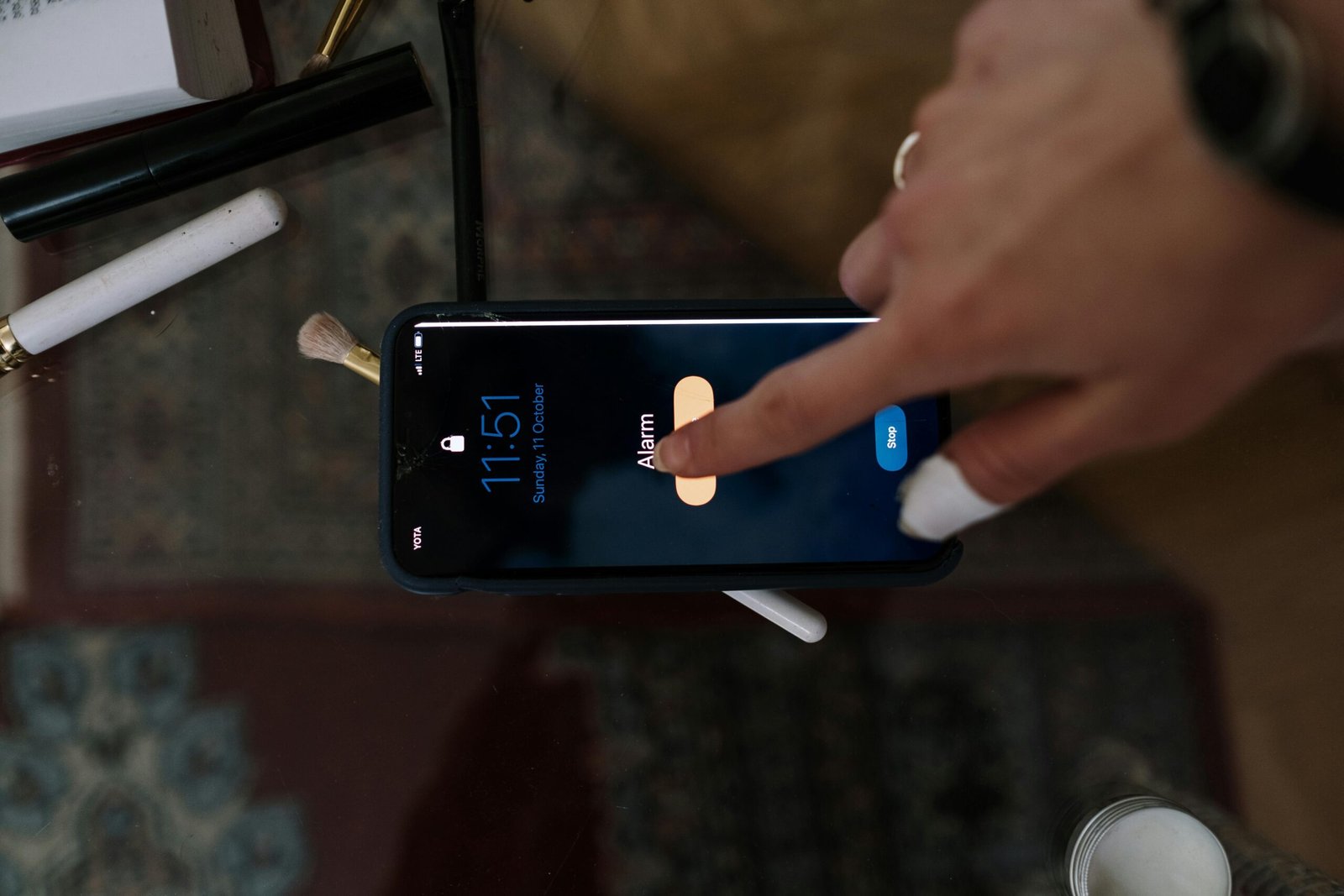
Ready to say goodbye to boring beeps? Here’s how you can personalize your smart clock’s ringtone:
- Select Your Device: Whether it’s Google Nest Hub, Amazon Echo Show, or Apple HomePod, ensure compatibility with customizable audio settings.
- Choose an App: Most devices come with companion apps where you can upload custom sounds (e.g., Spotify playlists).
- Pick Your Sound: Experiment with calming tunes, favorite songs, or nature sounds. Pro tip: Choose something gentle yet energizing—it’s chef’s kiss for starting your day.
- Test It Out: Hit preview to see if it wakes you gently. Adjust volume levels accordingly.
Best Practices for Using Personalized Ringtones

While freedom reigns supreme when choosing ringtones, here are some pro tips:
- Avoid overly loud or chaotic noises; they’re counterproductive.
- Rotate sounds weekly to avoid habituation (“Oh no, my brain tuned THAT out!”).
- Sync your smart clock with other smart home devices for seamless routines (e.g., lights dimming as your playlist ends).
- *Terrible Tip Alert*: DON’T use death metal unless you’re training for a rockstar lifestyle—not recommended by sleep experts!
Success Stories from Real Users
Let’s check out two success stories:
- Sarah T.: “I used to dread mornings until I started using ocean waves as my alarm tone. Now it feels like vacation every morning!” – Check out her full story here.
- Jake P.: “Swapping out blaring alarms for soft jazz tunes transformed my focus during work hours.” Learn more here.
FAQs About Smart Clock Ringtones
Can all smart clocks support personalized ringtones?
Not all models do, so always double-check specs before buying. Top brands usually offer this feature.
What file formats work best?
MP3 and WAV files are universally supported across most devices.
Is there any science behind why certain sounds wake us better?
Yes! Melodic tunes improve cognitive function compared to harsh beeps (Research Link).
Conclusion
Transforming your wake-up routine with personalized ringtones isn’t just about aesthetics—it’s practical magic. Less stress. Better mornings. Happier life. And who knows? Maybe now you won’t hate Mondays anymore.
Like syncing Bluetooth headphones, finding the perfect tone takes trial and error—but the payoff makes it worth it.
“Good vibes only,” said my old Tamagotchi. Oh wait… nostalgia overload.