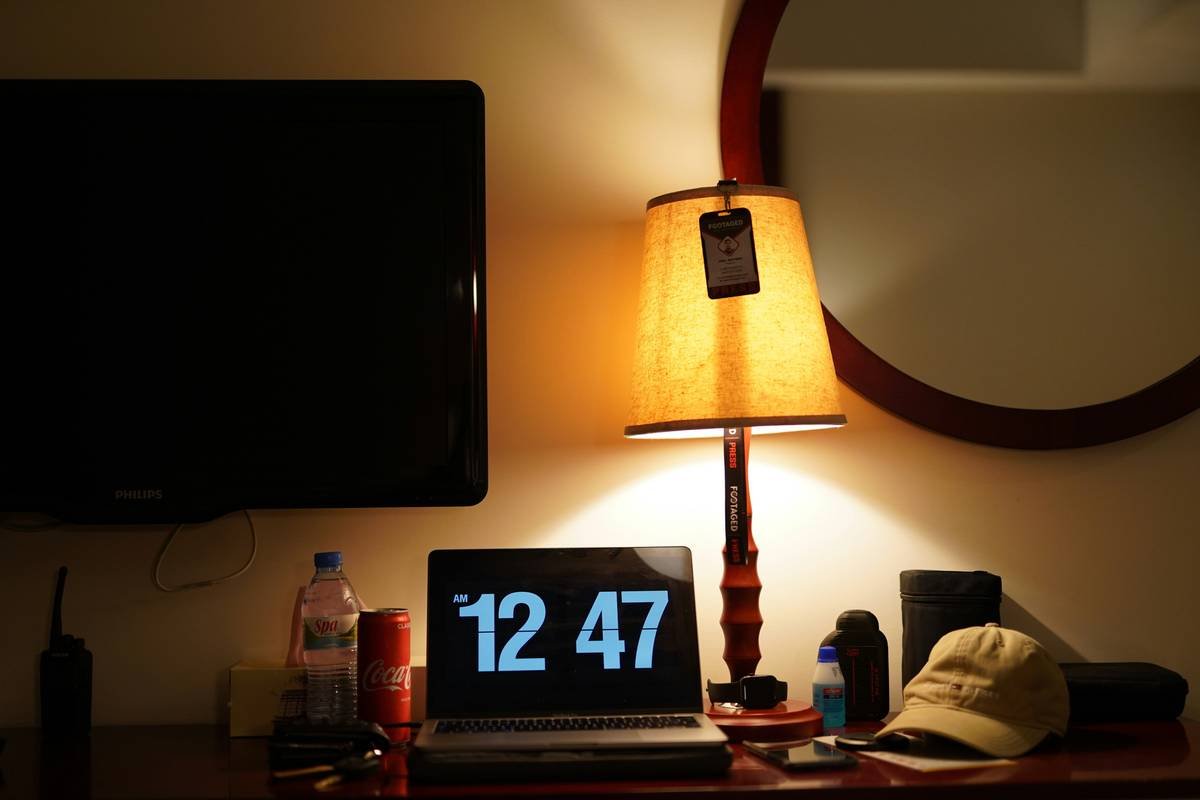
Ever woken up groggier than when you went to bed just because your dumb alarm clock yanked you out of REM sleep? Yeah, we’ve all been there. But what if there was a smarter way to start your day—one that doesn’t involve smashing buttons or wondering why it’s so darn bright (or dark)? Welcome to the future: smart alarm clock displays. Today, we’ll explore how these clever gadgets are revolutionizing mornings and turning chaotic wake-up routines into seamless experiences.
In this post, you’ll learn:
- The surprising benefits of upgrading to smart alarm clocks.
- A step-by-step guide to setting up your own smart alarm clock display.
- Tips for maximizing its features without losing your mind.
Table of Contents
- Key Takeaways
- Why Smart Alarm Clock Displays Matter
- How to Set Up Your Smart Alarm Clock Display
- Tips & Best Practices for Using Smart Clocks
- Success Stories: Real People Loving Their Smart Clocks
- FAQs About Smart Alarm Clock Displays
- Conclusion: Wake Up Smarter Tomorrow
Key Takeaways
- Smart alarm clock displays help sync your schedule with natural light cycles, improving sleep quality.
- You can customize notifications, brightness, and alarms through intuitive apps.
- Integration with other smart home devices makes them indispensable for tech enthusiasts.
Why Does Your Smart Alarm Clock Display Actually Matter?
Let me confess something embarrassing—I once bought an off-brand digital clock online because I thought “how hard can it be?” Turns out, very hard. The tiny screen burned my retinas every morning, the snooze button stopped working after two weeks, and don’t even get me started on the incessant ticking noise. Ugh.
But here’s the real kicker: Our mornings set the tone for our entire day. If your alarm clock is more annoying than helpful, that stress carries over. That’s where smart alarm clock displays swoop in like Batman—minus the cape but with better lighting algorithms. These sleek devices adjust their brightness based on ambient light, offer customizable wake-up routines, and integrate seamlessly with voice assistants like Alexa and Google Assistant.
And no, this isn’t just another Silicon Valley gimmick. Studies show that gradual wake-up routines synchronized with circadian rhythms can reduce stress levels and boost productivity. It’s science—not sorcery.
How to Set Up Your Smart Alarm Clock Display
Optimist You: “Setting up a smart alarm clock display will take five minutes tops!”
Grumpy You: “Unless you’re dealing with Wi-Fi issues… again.”
Jokes aside, let’s dive into the foolproof steps:
Step 1: Unbox and Connect
- Unpack your shiny new device and plug it in. Seriously, don’t skip this part. (I know someone who spent three hours trying to troubleshoot before realizing they hadn’t turned it on.)
- Download the companion app from your phone’s store. Most models have apps compatible with both iOS and Android.
- Follow the app instructions to connect your clock to Wi-Fi. Pro tip: Use a reliable network—you don’t want your clock dropping offline mid-snooze fest.
Step 2: Customize Settings
- Set your preferred wake-up time(s). Many smart clocks allow multiple alarms tailored for weekdays vs. weekends.
- Enable adaptive brightness. This ensures your room won’t feel like Times Square at 6 AM.
- Sync with other smart home devices. Want your coffee machine brewing as soon as your feet hit the floor? Done.
Step 3: Test and Tweak
Try out different tones, notifications, and integrations to see what works best for you. Remember, perfection takes patience—but also not too much caffeine.
Tips & Best Practices for Using Smart Alarm Clock Displays
- Don’t rely solely on vibrations. While haptic feedback sounds fancy, trust us—it’s not enough to wake deep sleepers.
- Use soft soundscapes instead of blaring buzzes. Birds chirping > screeching sirens any day.
- Keep firmware updated. No outdated software means fewer glitches in paradise.
- Avoid placing near windows. Direct sunlight might mess with light sensors. Lesson learned the hard way!
Success Stories: Real People Loving Their Smart Clocks
Lisa, a teacher from Chicago, shares her story: “After switching to a smart alarm clock display, I stopped dreading Mondays. Now, gentle sunrise simulations ease me awake while Spotify playlists kick off my mornings perfectly.”
For entrepreneurs juggling deadlines, John raves about integrating his clock with project management tools. “It reminds me of upcoming meetings right as I wake up—no scrambling for answers!”
FAQs About Smart Alarm Clock Displays
Are smart alarm clocks worth the investment?
Absolutely! They improve sleep hygiene, streamline daily routines, and often double as nightstand organizers complete with charging docks.
What should I look for in a good smart alarm clock display?
Prioritize adjustability (brightness, volume), integration capabilities (voice commands, third-party apps), and design aesthetics.
Can kids use smart alarm clocks?
Yes, many models come with parental controls to prevent late-night gaming marathons. Just make sure to disable distracting notifications!
Conclusion: Wake Up Smarter Tomorrow
There you have it—the ultimate guide to making your mornings smarter with a smart alarm clock display. From tackling setup woes to sharing killer tips and heartwarming success stories, we’ve covered all bases.
So go ahead—upgrade that relic hogging your bedside table. Because honestly, life’s too short for terrible mornings.
And hey, remember: Stay curious, stay caffeinated. Or as Tony Stark would say, *“Genius, billionaire, philanthropist…and now early riser.”*
“Beep boop beep…or maybe birdsong?” – Haiku by Siri.

