Ever woken up in the middle of the night, blinded by your smart clock’s glow? Yeah, that happened to me last week. I thought my smart clock was supposed to make life easier—not double as a lighthouse beacon at 2 AM. If you’ve experienced this, it’s time to take control and master smart clock brightness control. In this guide, we’ll explore why adjusting your smart clock’s brightness matters, how to optimize it step-by-step, and some tips for getting it just right.
Table of Contents
- Why Is Smart Clock Brightness Control So Important?
- Step-by-Step Guide to Mastering Brightness Settings
- 5 Tips for Optimizing Your Smart Clock’s Brightness
- Real-Life Examples of Brightness Control Done Right
- FAQs About Smart Clock Brightness Control
Key Takeaways
- Smart clock brightness control improves sleep quality and reduces eye strain.
- You can adjust settings manually or use automated schedules based on lighting conditions.
- Avoid overly dim or bright clocks; aim for a balance tailored to your environment.
Why Is Smart Clock Brightness Control So Important?
“Optimist You:” “It’s just a light—it doesn’t matter!”
“Grumpy Me:” “Oh, honey, tell that to my poor eyeballs after staring at a glaring clock at midnight.”
Seriously though, controlling your smart clock’s brightness isn’t just about avoiding annoyances. Studies show that exposure to bright lights before bed disrupts melatonin production, making it harder to fall asleep. Conversely, if the clock is too dim, you might struggle to check the time without squinting, which defeats its purpose entirely.
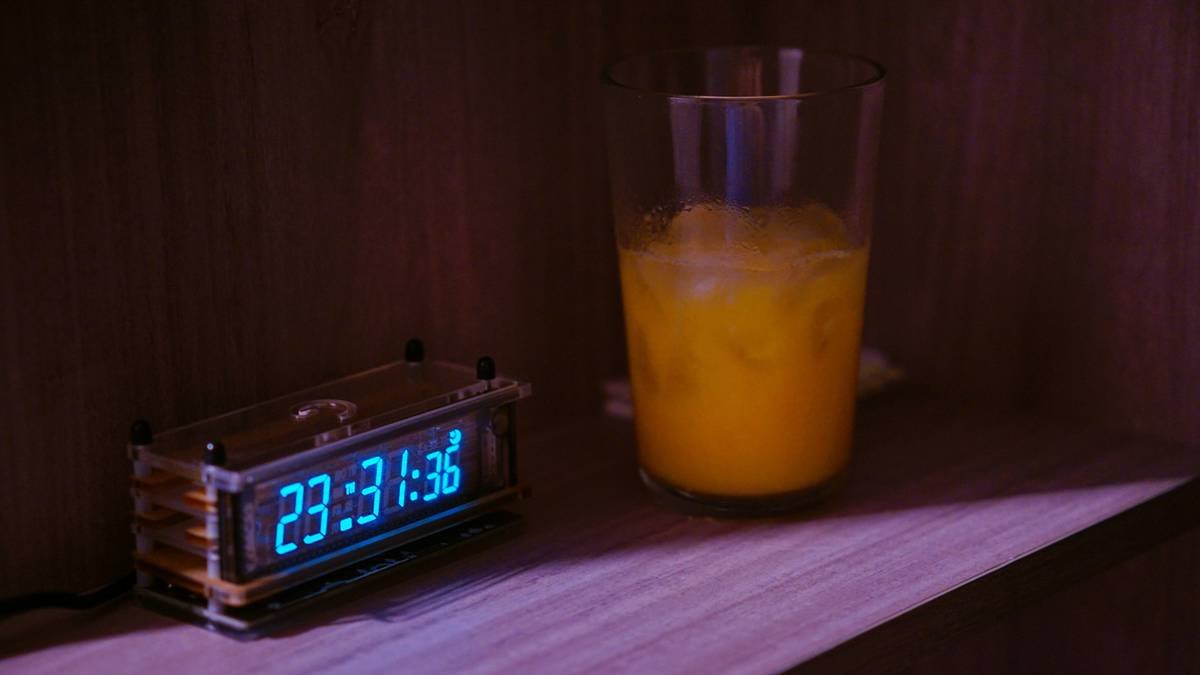
I once set my smart clock to maximum brightness thinking, “The brighter, the better!” Big mistake. Not only did I keep waking up throughout the night, but my partner also threatened to throw it out the window. Lesson learned: Finding the sweet spot is key.
Step-by-Step Guide to Mastering Brightness Settings
Step 1: Access Your Smart Clock Settings
- Locate the app connected to your smart clock device (e.g., Google Home, Alexa).
- Navigate to the “Display” or “Brightness” tab.
- Select manual adjustment or enable adaptive brightness.
Step 2: Test Different Levels During Day/Night
Try lowering the brightness during bedtime hours and slightly increasing it during the day to match ambient lighting. Most apps allow you to create specific profiles for morning, evening, and nighttime.
Step 3: Use Automation Features
If your smart clock supports scheduling, program it to dim automatically when the sun sets and brighten when the sun rises. This mimics natural circadian rhythms and keeps things hassle-free.
Confession: I accidentally programmed mine to go full beam at 2 AM. Let’s just say no one got much rest that night.
5 Tips for Optimizing Your Smart Clock’s Brightness
- Match Room Lighting: Adjust the brightness so it blends seamlessly with surrounding lights.
- Use Dim-to-Bright Transitions: Gradual changes prevent sudden shocks to your eyes.
- Experiment Regularly: What works today may not tomorrow—test often!
- Consider Color Temperature: Cooler tones are better for daytime, while warmer hues help wind down.
- (Terrible Tip Disclaimer): Don’t Go Full Darkness Mode: Turning off all backlight makes reading impossible unless you have superhuman vision.
Real-Life Examples of Brightness Control Done Right
Take Jenny, a graphic designer who adjusted her smart clock’s schedule to sync with her work-from-home routine. She dims hers to 20% between 9 PM and 7 AM, creating a peaceful bedtime atmosphere. Or Tom, a shift worker who uses motion sensors to trigger brightness adjustments depending on whether he’s sleeping during odd hours.
FAQs About Smart Clock Brightness Control
How do I stop my smart clock from disturbing my sleep?
Set it to automatically dim a few hours before bed and disable notifications during sleep hours.
Can smart clocks damage your eyes?
No, but prolonged exposure to excessively bright displays late at night can cause discomfort and disrupt sleep patterns.
What if my smart clock doesn’t have adjustable brightness?
Consider upgrading to one with advanced features or placing the clock further away from direct sightlines.
Conclusion
Brightness control might seem like a small feature, but mastering it transforms your smart clock from a gadget into a thoughtful tool designed around your comfort. Remember, finding the right balance takes trial and error—but trust me, your tired eyes will thank you.
And hey, if nothing else sticks, remember this: “Like a Tamagotchi, your smart clock needs daily love and care.” 😉 Here’s a haiku to wrap things up:
Nighttime glow fades softly,
Eyes relax, dreams take flight,
Perfect brightness found.

