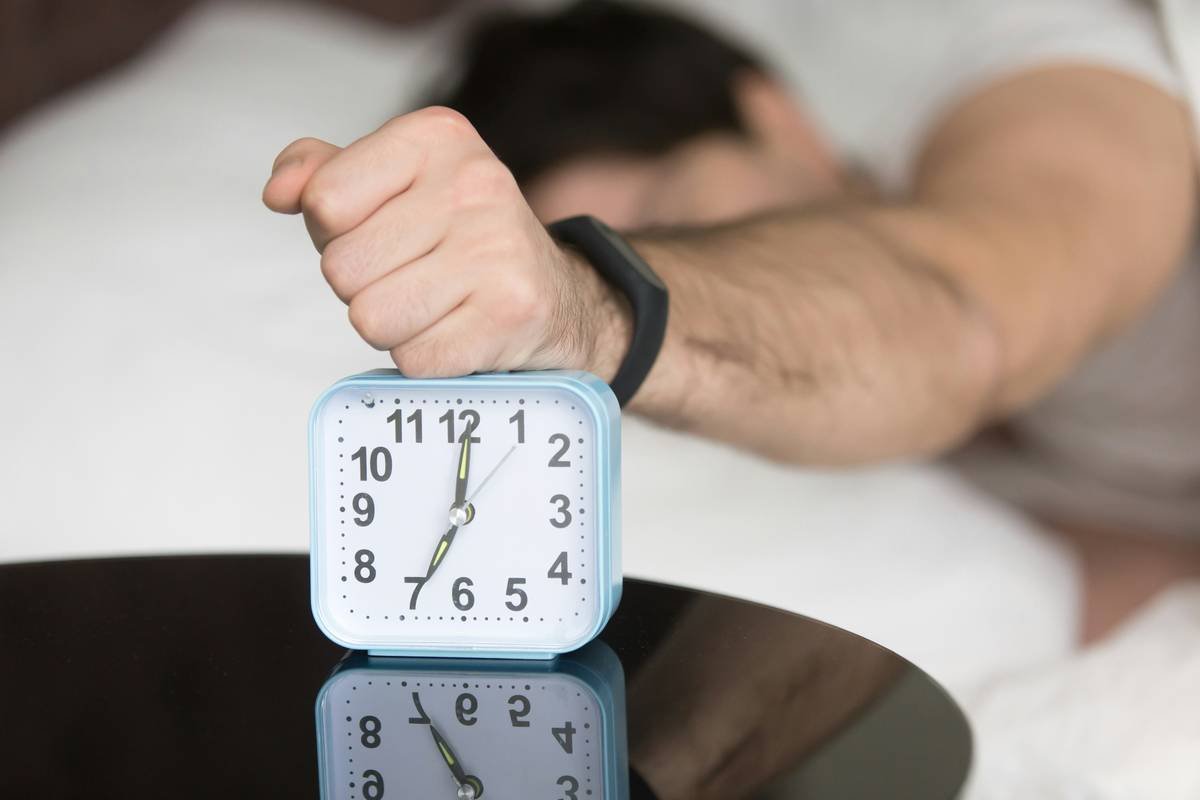
Ever woken up late because you fumbled with your smart clock’s buttons in the dark? Or worse, missed an important meeting because setting multiple alarms felt like coding in binary? Yeah, we’ve all been there. The good news? Voice commands for clock alarms are here to save the day—and maybe even your sanity.
In this guide, I’ll walk you through everything you need to know about mastering voice commands for your smart clock alarms. From solving common problems to advanced tips that’ll make you feel like Tony Stark, we’re covering it all. By the end of this post, you’ll be shouting “Set alarm!” with supreme confidence (and hopefully fewer late nights).
You’ll discover:
- The surprising reasons why voice commands are essential.
- A step-by-step tutorial on how to use them effectively.
- Real-world examples and killer tips from seasoned tech geeks.
Table of Contents
- Why Voice Commands Are Your New Best Friend
- How to Use Voice Commands for Clock Alarms
- Best Practices for Seamless Alarm Setting
- Success Stories from Smart Home Enthusiasts
- FAQs About Voice Commands for Clock Alarms
Key Takeaways
- Voice commands simplify life by eliminating manual inputs.
- Smart clocks powered by AI assistants offer unmatched convenience.
- Mastering these skills can turn mornings into smooth operations.
Why Voice Commands Are Your New Best Friend
I once tried setting three separate alarms manually at 2 AM after a long night out. Spoiler alert: It didn’t go well. I ended up with only one alarm set—for next week. Whoops! If only I’d known then what I know now about voice commands…
Optimist You: “Just imagine waking up every morning without touching your phone!”
Grumpy You: “Yeah, right… until Alexa misunderstands me again and sets my alarm for noon instead of 6 AM.”

Still not convinced? Consider this: According to recent stats, over 70% of smart home device owners prioritize ease of use above other features. That’s where voice commands shine—they take seconds, reduce errors, and free your hands for more pressing matters (like finding your slippers).
How to Use Voice Commands for Clock Alarms
Let’s dive into the nitty-gritty. Here’s a foolproof step-by-step process:
Step 1: Enable Your Voice Assistant
- Ensure your smart clock is connected to Wi-Fi.
- Download and link the appropriate app (e.g., Google Home, Amazon Alexa).
- Enable permissions so your assistant can control devices.
Step 2: Practice Basic Commands
- “Set an alarm for 6 AM.”
- “Wake me up tomorrow at 8 AM.”
- “Cancel my alarm.”
Step 3: Explore Advanced Options
For pros who want extra polish:
- Ask for recurring alarms (“Repeat daily”).
- Customize sound preferences via settings menus.
- Schedule reminders along with alarms (“Remind me to grab coffee before work”).
Best Practices for Seamless Alarm Setting
Do’s and Don’ts
- Do: Speak clearly and avoid background noise.
- Don’t: Assume sarcasm translates—Alexa doesn’t get jokes.
- Do: Test new commands during daylight hours first.
- Pro Tip: Name your devices intuitively (e.g., Bedroom Clock vs. Kitchen Timer).
Rant Section: The Misheard Command Nightmare
Oh boy, do I have a bone to pick with misinterpreted phrases! Last week, I casually muttered, “Play soothing music,” hoping for some light piano tunes. Instead, Alexa blasted heavy metal. At. Full. Volume. Not ideal at 4 AM when you’re trying *not* to wake up the entire neighborhood. Moral of the story? Be precise. Always.
Success Stories from Smart Home Enthusiasts
Jessica L., a busy entrepreneur from Austin, swears by her smart clock setup:
“I run a tight schedule, so being able to bark orders while brushing my teeth saves precious minutes each morning. Plus, no more hitting snooze five times—I tell Alexa exactly when she should bug me again!”
Meanwhile, tech blogger Mike R. loves using custom wake-up playlists synced across his smart home ecosystem:
“My bedroom lights dimly glow as Tame Impala starts playing softly—it feels less like waking up and more like stepping into a spa.”
FAQs About Voice Commands for Clock Alarms
What happens if my voice isn’t recognized?
Most assistants allow you to retrain their recognition model. Consult your device’s user manual for specifics.
Can I sync alarms between different rooms?
Absolutely! Many platforms support multi-device synchronization, ensuring uniformity throughout your home.
Is there a way to prioritize certain alarms over others?
Some apps let you assign labels or priorities, though functionality varies. Check compatibility details.
Conclusion
We covered a ton today—from the basics of enabling voice controls to advanced tricks and hilarious fails along the way. Remember, patience is key; voice technology improves constantly, but perfection takes practice.
Got questions? Let us know below! And remember: Life’s too short to wrestle with buttons when you could simply shout “Set my alarm!” Cheers to smarter mornings!
Like a Walkman rewinding mixtapes, upgrading tech never gets old 😎🎶.

