Ever woken up groggy, only to realize your smart clock could’ve told you exactly why? Imagine this: the same device that wakes you up can also track your sleep quality, heart rate, and stress levels. Sounds like sci-fi, right? But with the rise of smart home technology, health metrics monitoring is now as easy as glancing at your bedside clock. In this post, we’ll explore how smart clocks are reshaping health tracking, from solving daily pain points to offering futuristic insights. You’ll learn how to choose the right smart clock, optimize its features, and even avoid rookie mistakes (yes, I once paired my clock with the wrong app—ouch). Let’s dive in!
Table of Contents
- Why Health Metrics Monitoring Matters in Your Smart Home
- Step-by-Step Guide to Setting Up Your Smart Clock for Health Tracking
- Best Practices for Maximizing Smart Clock Features
- Real-Life Success Stories: How Smart Clocks Improved Health
- Frequently Asked Questions About Smart Clocks & Health Metrics Monitoring
Key Takeaways
- Smart clocks combine convenience with advanced health metrics monitoring, making them a game-changer in smart homes.
- Setting up your smart clock requires syncing it with other devices and understanding its full feature set.
- Proper usage can lead to actionable health insights, such as better sleep patterns and reduced stress.
- Beware of common pitfalls, like over-reliance on unverified data or ignoring privacy concerns.
Why Health Metrics Monitoring Matters in Your Smart Home
Picture this: you wake up every morning feeling tired, despite going to bed early. Sound familiar? For years, we’ve relied on vague indicators like “I didn’t sleep well” without any hard data. Enter smart clocks. These sleek gadgets aren’t just here to tell time—they’re designed to monitor key health metrics like heart rate variability (HRV), sleep cycles, oxygen saturation levels, and even stress markers.
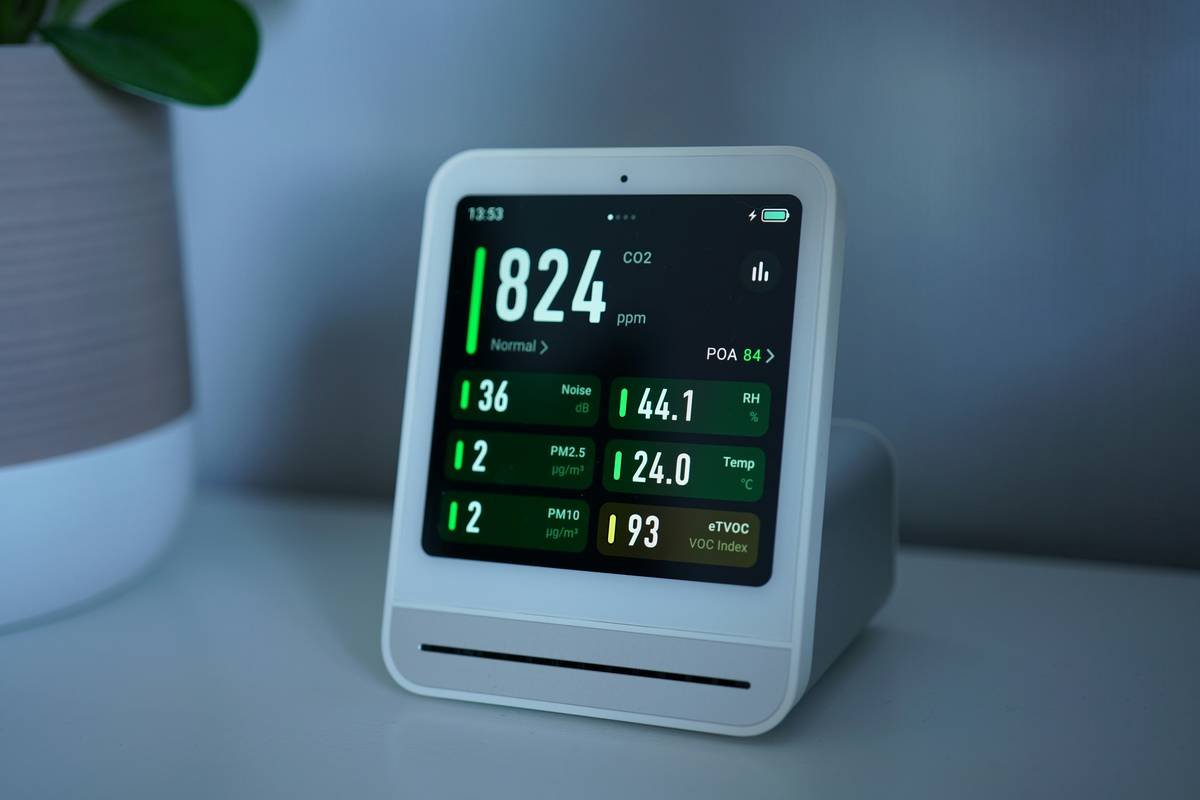
But why does this matter? Because knowledge is power. Knowing that your HRV is low might prompt you to take a rest day instead of pushing through an intense workout. Seeing disrupted REM cycles could nudge you to adjust your bedtime routine. And let’s not forget the bigger picture—smart clocks seamlessly integrate into the broader ecosystem of your smart home, working alongside fitness trackers, thermostats, and more to create a holistic view of your wellness.
Step-by-Step Guide to Setting Up Your Smart Clock for Health Tracking
So, you’ve got your shiny new smart clock. Now what? Follow these steps to unlock its full potential:
Step 1: Choose the Right Smart Clock for Your Needs
Optimist You: “There are so many great options out there!”
Grumpy You: “Ugh, fine—but make sure it has built-in sensors and integrates with apps like Apple Health or Google Fit.”
- Look for models with non-contact biosensors if you hate wearing wristbands.
- Prioritize compatibility with your smartphone OS and existing smart home devices.
Step 2: Sync It With Other Gadgets
Pairing your smart clock isn’t rocket science, but it does require some patience. Download the companion app, follow the instructions carefully, and ensure Bluetooth/Wi-Fi connections are stable.
Step 3: Customize Your Settings
Tweak preferences based on your goals—whether it’s tracking deep sleep phases or getting gentle wake-up alarms during light sleep stages. Don’t forget to enable notifications for critical metrics!
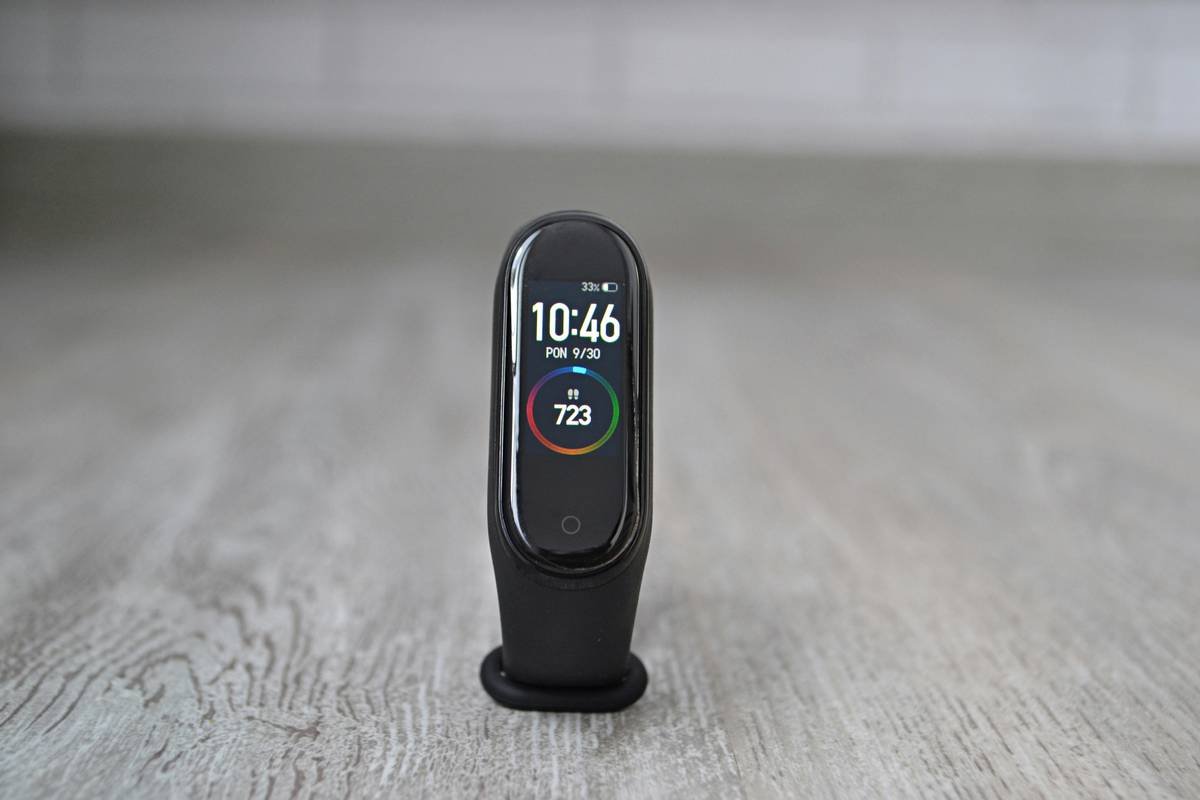
Step 4: Review Data Regularly
Morning routines just got smarter. Check your health dashboard daily to spot trends and make informed lifestyle tweaks.
Best Practices for Maximizing Smart Clock Features
Ready to level up? Here are five pro tips:
- Don’t Overdo It: Stick to monitoring essential metrics to avoid overwhelm.
- Sync Early, Sync Often: Keep all devices updated to prevent data gaps.
- Privacy First: Enable encryption and read privacy policies before sharing sensitive info.
- Routine Reviews: Dedicate one day per week to analyze your weekly health report.
- Experiment Safely: Try different alarm sounds or snooze limits but reset defaults if needed.
The Terrible Tip: Thinking you need ALL the bells and whistles. Seriously, who needs voice-controlled pulse oximetry when basic HRV tracking suffices?
Real-Life Success Stories: How Smart Clocks Improved Health
Meet Sarah, a busy mom whose smart clock revealed she wasn’t getting enough REM sleep. After tweaking her routine, she gained energy back—and says her kids no longer call her “Zombie Mom.” Then there’s Mark, a fitness enthusiast whose smart clock flagged irregularities in his resting heart rate, prompting him to visit a doctor early enough to catch a minor issue.
Frequently Asked Questions About Smart Clocks & Health Metrics Monitoring
Q: Are smart clocks accurate for health metric readings?
A: While they’re reliable for general wellness tracking, always consult medical professionals for precise diagnoses.
Q: Can multiple users share one smart clock?
A: Some models allow multi-user profiles, but most work best for individual use.
Q: Do smart clocks drain phone batteries quickly?
A: Nope! Most operate independently via Wi-Fi or have minimal battery impact.
Conclusion
From tracking your sleep to giving you peace of mind about your vitals, smart clocks are revolutionizing health metrics monitoring in smart homes. By setting up the right device, following best practices, and learning from real-world examples, you’re well-equipped to harness their power. Just remember—don’t obsess over numbers; they’re tools, not bosses.
And before you head off—here’s a little something to brighten your day:
Morning chimes, soft and sweet,
Data whispers where dreams meet.
Sleep, breathe, live—repeat again.
Like a Tamagotchi, your smart clock thrives when tended to regularly. Happy tracking!