“Ever stared at your smart clock, wondering why it’s not doing half the things you bought it for? Yeah, same.”
Let’s face it: smart clocks are more than just futuristic timekeepers. They’re hubs of automation, designed to make our lives easier—but only if we set them up right. Enter Alexa Routine Setup, the secret sauce to unleashing your smart clock’s full potential.
In this guide, we’ll walk through:
- The problem with underutilized smart clocks and how Alexa can fix it.
- A step-by-step setup process for routines.
- Tips, tricks, and even an honest rant about common mistakes (spoiler: they’re avoidable).
- Real-world examples of what works and an FAQ section to answer all your burning questions.
Table of Contents
- Introduction
- Key Takeaways
- Why Your Smart Clock Might Be Underperforming
- How to Set Up Alexa Routines on Your Smart Clock
- Best Practices for Mastering Alexa Routines
- Smart Clock Success Stories
- Frequently Asked Questions About Alexa Routine Setup
- Conclusion
Key Takeaways
- Alexa Routine Setup turns a basic smart clock into a productivity powerhouse.
- Saving time is possible when automating tasks like morning alarms, reminders, and lighting adjustments.
- Poorly configured routines lead to frustration—not magic.
- Follow best practices to ensure smooth execution.
Why Your Smart Clock Might Be Underperforming
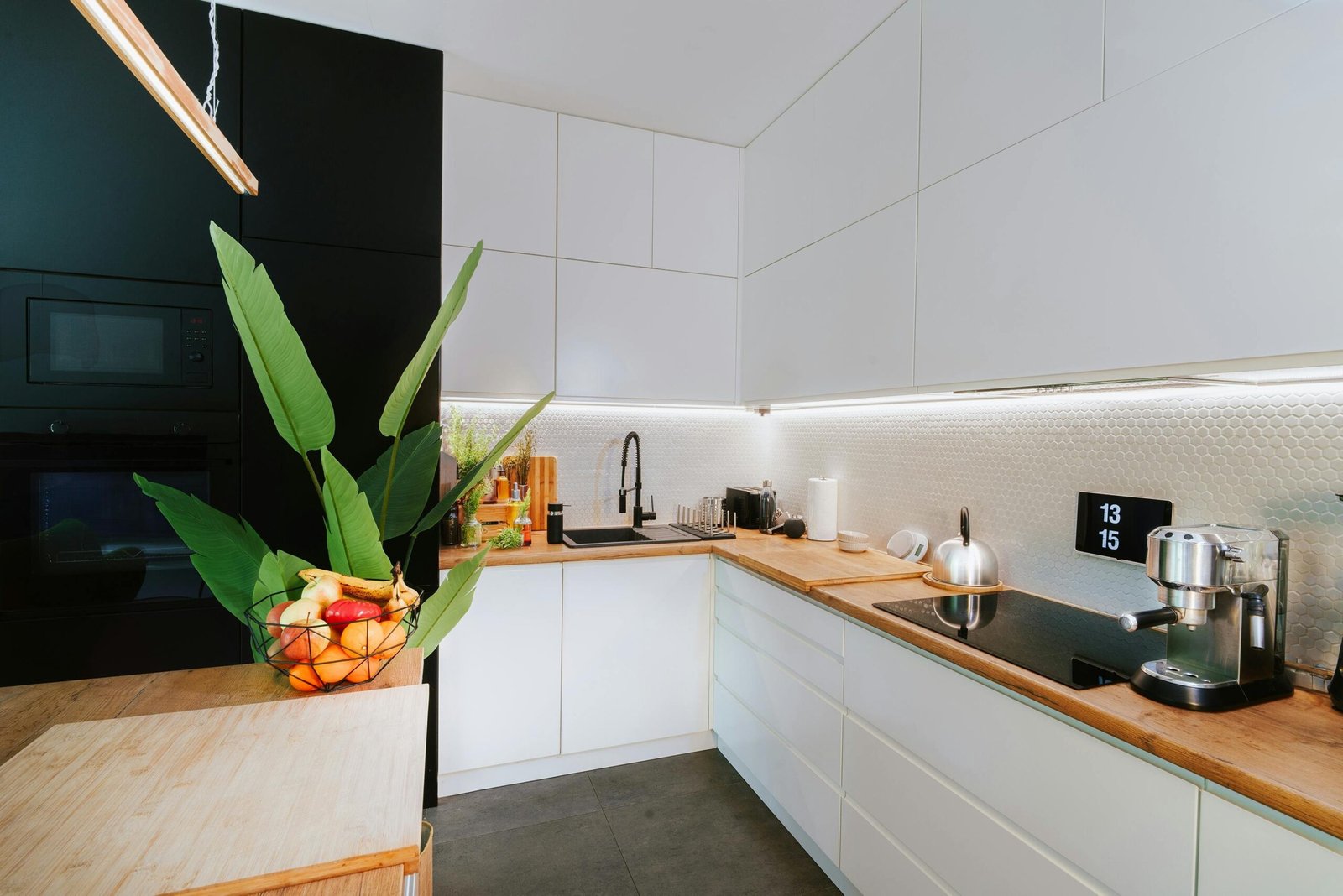
Smart clocks often promise convenience but deliver confusion instead. Why? Because users don’t dive deep enough into their functionality. Many people think plugging in a device and syncing it with Alexa is enough, but true optimization requires setting up routines.
I once spent three days trying to figure out why my smart clock wouldn’t announce weather updates or trigger my coffee maker. Spoiler alert: I forgot to enable permissions in the Alexa app. That’s when I realized I wasn’t alone. A study from Statista shows that over 40% of smart home device owners struggle to fully integrate their gadgets due to lack of knowledge.
Confession Time
“For months, I used my smart clock as nothing more than… well, a glorified alarm.” Don’t worry—it gets better!
How to Set Up Alexa Routines on Your Smart Clock
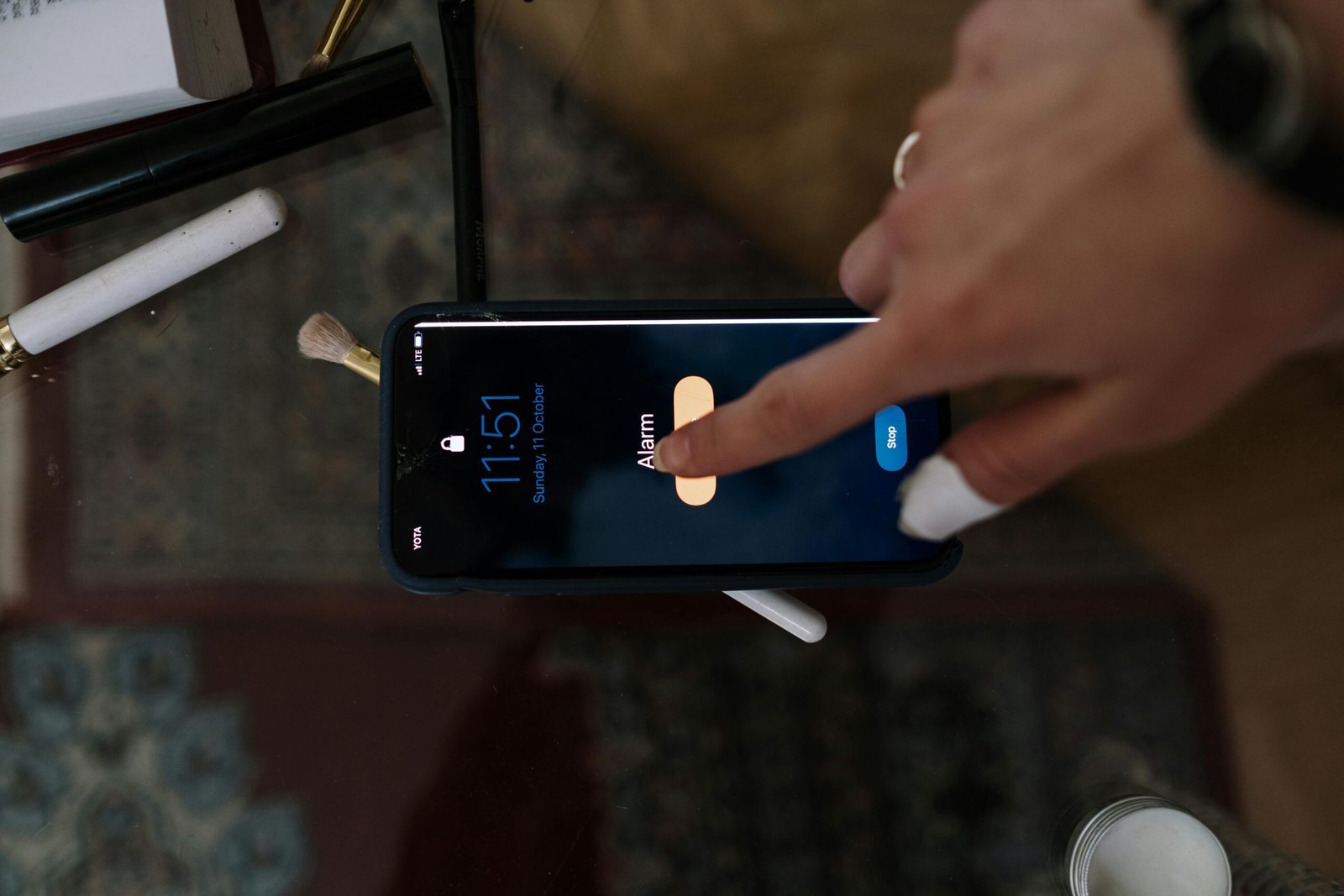
Optimist You: “This will transform my mornings!”
Grumpy You: “Do I really have to log into another app?”
Step 1: Open the Alexa App
- Download the Alexa app if you haven’t already (here).
- Log in using your Amazon credentials.
Step 2: Navigate to ‘Routines’
- Tap the hamburger menu in the top-left corner.
- Select “Routines” from the list.
- Create a new routine by clicking the “+” icon.
Step 3: Add Triggers & Actions
- Choose a trigger event (e.g., saying “Good Morning” or scheduling a specific time).
- Add actions such as turning on lights, playing music, or receiving a weather update.
- Save your routine and test it immediately.
- Sync your smart clock to activate these routines automatically.
Best Practices for Mastering Alexa Routines
Now that you’ve got the basics down, let’s upgrade your game:
- Keep It Simple: Overloading routines with too many steps can confuse both you and the system.
- Label Clearly: Name your routines intuitively (e.g., “Morning Coffee Prep”).
- Test Regularly: Ensure each action executes correctly after creation.
- Enable Permissions: Trust me; skipping this part could ruin everything.
- Stay Updated: Check for firmware updates regularly via your smart clock manufacturer’s website (example resource).
Terrible Tip Alert: “Ignore troubleshooting until something breaks.” Ugh, no. Always troubleshoot preemptively.
Smart Clock Success Stories

Take Sarah, a working mom who struggled to juggle her schedule. By configuring an Alexa routine tied to her Echo Dot smart clock, she automated her wake-up sequence: gentle light fade-ins, NPR news briefs, and coffee brewing started remotely. Her mornings went from chaotic to calm within days.
Frequently Asked Questions About Alexa Routine Setup
Q1: Can I use multiple smart clocks with one Alexa account?
Absolutely! Just sync each clock to the same network and configure shared routines.
Q2: What happens if my smart clock loses internet connection?
Routines requiring external services may stop working temporarily, but local alarms should remain intact.
Q3: Is Alexa compatible with other smart home ecosystems?
Yes—brands like Philips Hue, Nest, and Samsung SmartThings play nicely with Alexa.
Conclusion
Alexa Routine Setup transforms your humble smart clock into a personal assistant worth every penny. Whether streamlining mornings or prepping bedtime rituals, the possibilities are endless. Now get out there and conquer those routines—you’re officially certified in smart clock wizardry.
And remember, like dial-up internet speeds, sloppy setups are so 90s.
Spoiler Haiku:
Clock chimes, coffee brews,
Automation saves your soul;
Like Tamagotchi care.