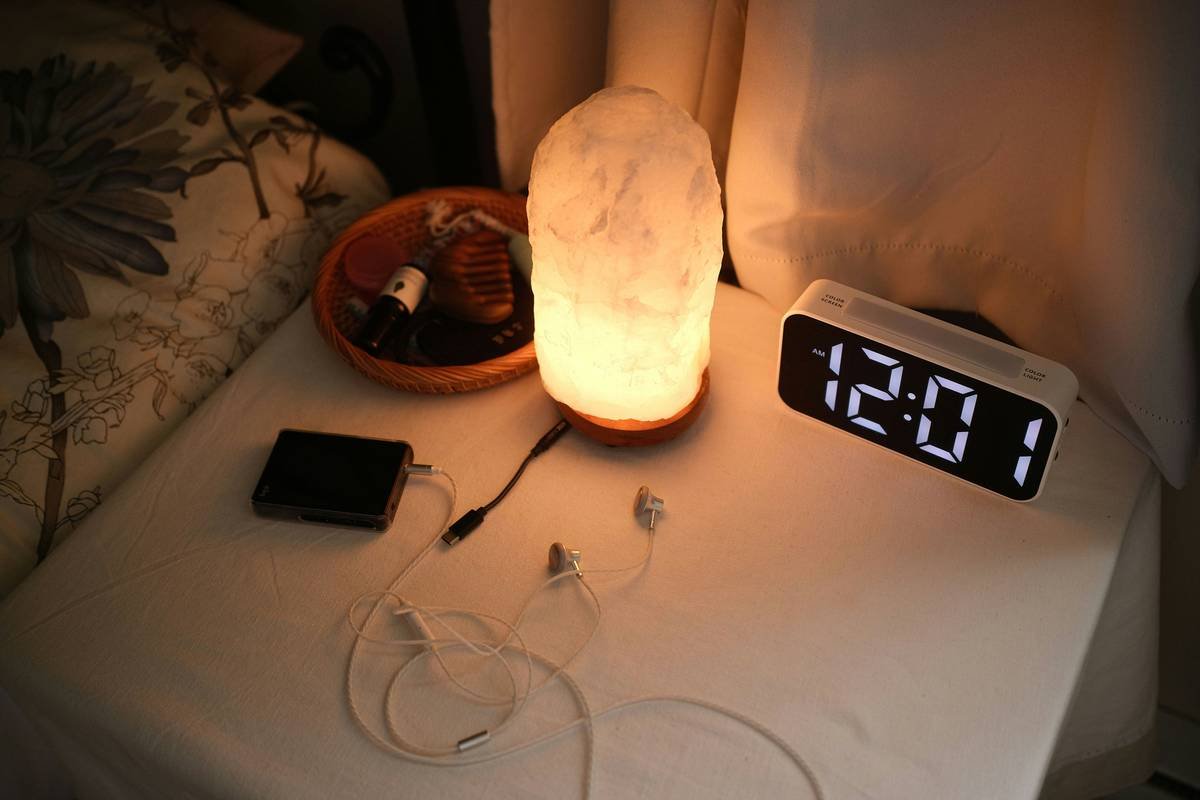
Ever found yourself yelling at your smart clock because it just *didn’t get* what you were saying? Yeah, we’ve all been there. Whether it’s setting alarms or checking the weather, voice shortcuts are supposed to make life easier—not turn your mornings into a stress fest. But here’s the thing: most people don’t realize how powerful these tools can be when used correctly.
In this guide, we’ll unpack everything you need to know about smart clock voice shortcuts, from solving common frustrations to unlocking their full potential. By the end of this post, you’ll learn how to:
- Avoid common mistakes that frustrate users.
- Set up personalized commands like a pro.
- Discover advanced hacks to streamline your day.
Table of Contents
- Key Takeaways
- Why Smart Clock Voice Shortcuts Matter
- How to Set Up Your Smart Clock for Success
- Top Tips for Using Voice Shortcuts Effectively
- Real-Life Examples
- FAQs
- Conclusion
Key Takeaways
- Voice shortcuts on smart clocks save time but require proper setup.
- Personalizing commands makes them more accurate and efficient.
- Avoid overloading your device with too many shortcuts—it gets confused!
Why Smart Clock Voice Shortcuts Matter
I once spent an entire Saturday trying to teach my smart clock to start brewing coffee using voice commands. Spoiler alert: It kept setting timers instead of turning on the coffee machine. Talk about a caffeine-deprived disaster! That experience taught me why mastering smart clock voice shortcuts is crucial—they’re not just cool gadgets; they’re productivity game-changers.
Smart clocks have revolutionized home automation by combining voice tech with sleek design. Imagine waking up to soft music, adjusting your thermostat, and getting news updates—all without lifting a finger. Sounds dreamy, right?
The Pain Point
But let’s face it—half the battle is making sure those voice shortcuts actually work. From misheard commands to generic responses, poor execution can leave you frustrated and reaching for your phone again.
How to Set Up Your Smart Clock for Success
“Optimist You:” ‘This is going to be so easy—I’ll just follow the manual!’
Grumpy You: ‘Ugh, fine—but only if Wi-Fi cooperates.'”
Setting up your smart clock might feel daunting, but it doesn’t have to be. Follow these steps:
Step 1: Pair Devices Properly
- Ensure your smart clock connects seamlessly to other devices via Bluetooth or Wi-Fi.
- Update firmware regularly (yes, even if your clock insists it’s “up to date”).
Step 2: Customize Wake Words
Instead of sticking to default phrases like “Hey Clock,” try custom wake words. For instance, naming your clock after your favorite fictional character (“Computer!” à la Star Trek) adds personality—and helps avoid accidental triggers.
Step 3: Train Your Clock
Most smart clocks come with training modes where you repeat specific phrases. While it may feel silly, this process trains the AI to recognize your unique voice patterns.
Top Tips for Using Voice Shortcuts Effectively
Tip #1: Keep Commands Simple
Don’t overload your clock with complex instructions like “Set an alarm for tomorrow morning at exactly 6 AM unless I snooze, then remind me to feed the cat.” Stick to one action per command.
Tip #2: Avoid Cluttered Spaces
If your bedroom sounds like a construction site every morning, your clock will struggle to understand you. Minimize background noise as much as possible.
Tip #3: Terrible Tip Alert!
Seriously, don’t yell louder if your clock doesn’t respond the first time. Not only does it annoy everyone within earshot, but it also confuses the AI further.
Real-Life Examples
Take Sarah, a busy mom who uses her smart clock to manage her chaotic schedule. With customized voice shortcuts, she now says things like “Goodnight Mode” to dim lights, lock doors, and play lullabies simultaneously. Result? More quality family time and less scrambling before bed.
Or consider Mark, who works remotely. His smart clock syncs with his calendar and reminds him of meetings with commands like “Next Meeting Status.” No more missing deadlines due to forgotten alarms!
FAQs
Q: Can smart clocks understand accents?
Absolutely! Most modern models support multiple languages and regional dialects. Just ensure your chosen wake word aligns with your accent for better recognition.
Q: What happens if my internet goes down?
While some features rely on cloud-based processing, many basic functions like alarms and timers still operate offline.
Q: Are smart clock voice shortcuts secure?
Yes, reputable brands encrypt data and allow users to review/delete recordings. Always check privacy settings during setup.
Conclusion
Mastering smart clock voice shortcuts isn’t rocket science—it’s about knowing how to communicate effectively with your device. From simplifying routines to boosting productivity, these little tweaks add up to big wins.
So go ahead, personalize those commands, train your clock, and enjoy hands-free living like never before. And remember—a happy smart clock means a happier YOU.
Haiku Time:
Voice whispers softly,
Commands light up daily tasks,
Tech magic shines bright.

