
Ever woken up late because your old-school alarm clock didn’t sync with daylight saving time? Or worse, had no way of checking the weather without grabbing your phone and getting sucked into an Instagram spiral? Yeah, us too. That’s where a smart display clock comes in—a sleek gadget that does more than tell time. From alarms that wake you gently to real-time updates on traffic, weather, and news, these tech-savvy timekeepers are changing how we start our day.
In this post, we’ll explore why smart display clocks are becoming indispensable in modern smart homes, walk you through their features step-by-step, share tips for choosing the perfect model, and even provide hilarious “fails” from early adopters (including one person who accidentally set their bedtime reminder for *noon*). By the end, you’ll know exactly how to integrate a smart display clock into your smart home setup. Let’s jump in!
Table of Contents
- Why Are Smart Display Clocks Essential for Modern Homes?
- Features & Setup: What Can These Gadgets Do?
- How to Choose the Right Smart Display Clock
- Success Stories: Real People, Real Results
- FAQs About Smart Display Clocks
Key Takeaways
- Smart display clocks go beyond telling time; they streamline daily routines by combining functionality like alarms, calendars, and voice assistants.
- Setting them up is easier than you think—all it takes is connecting to Wi-Fi and linking compatible apps.
- Not all models are created equal—prioritize factors like screen size, integration capabilities, and aesthetics when shopping.
- User stories prove that these gadgets make mornings smoother and smarter, but they require some trial and error.
- Avoid common pitfalls like overloading notifications or neglecting privacy settings.
Why Are Smart Display Clocks Essential for Modern Homes?
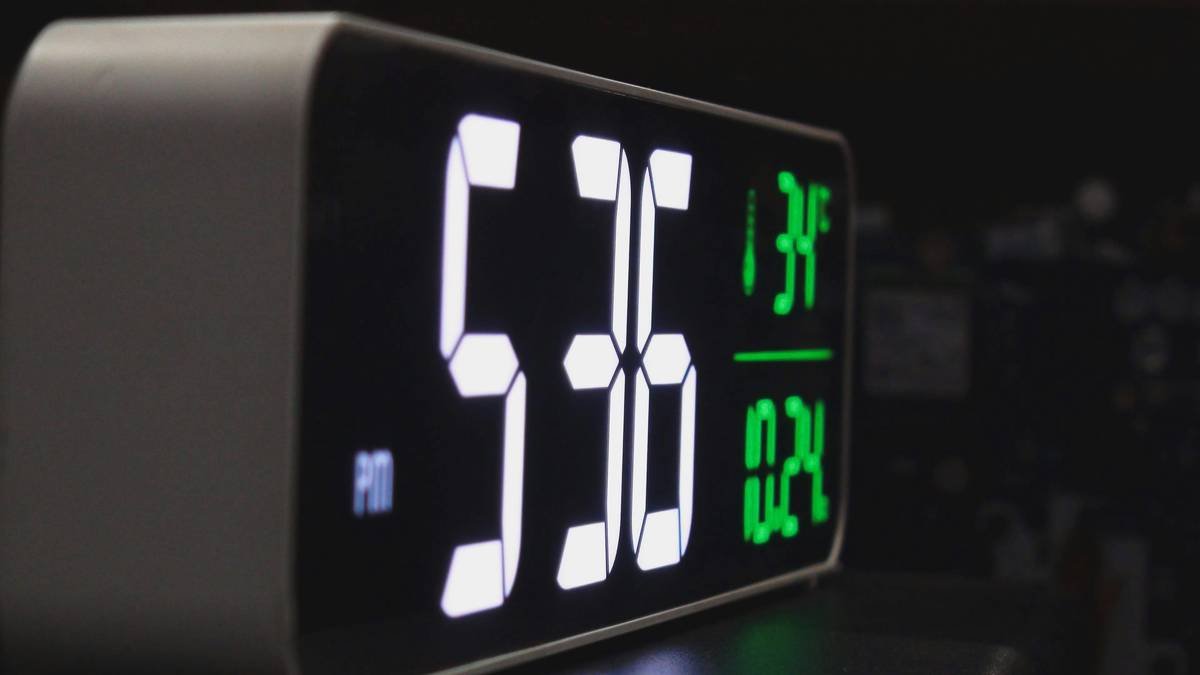
Imagine having a personal assistant right beside your bed—one that wakes you at optimal REM cycles, reminds you about dentist appointments, and tells you if rain boots are necessary today. Sounds chef’s kiss, right? But let’s rewind for a moment. Why do you actually need a smart display clock when your phone can already handle so much?
Here’s the tea:
- Reduced Screen Time Addiction: Phones are great until they aren’t. Reaching for your phone first thing in the morning often leads to doomscrolling instead of preparing for the day. A dedicated device keeps distractions out of sight.
- Voice Assistant Integration: Brands like Google Nest Hub and Amazon Echo Show seamlessly connect with your existing ecosystem, making hands-free commands effortless.
- Visual & Functional Appeal: Unlike bulky digital clocks, smart displays blend form and function beautifully, enhancing any room decor while offering practicality.
Features & Setup: What Can These Gadgets Do?
So now you’re intrigued—but what exactly makes a smart display clock tick (pun intended)? Here’s the scoop:
Wake You Up Like a Pro
Gone are the days of blaring buzzes jolting you awake. Most smart display clocks offer gradual light and sound options mimicking sunrise patterns—not unlike your favorite Spotify playlist, except quieter. If you’re still groggy after five minutes, Alexa might just give you sass.
Connect Your World
These bad boys act as command centers for your life. Sync them with apps like Google Calendar, Todoist, or even fitness trackers to get reminders directly on the screen. Hate scrolling through your phone before bed? Just ask your smart clock to queue up meditation music or dim the lights.
Easy-Peasy Setup
Optimist You: “This sounds complicated…but maybe worth a try!”
Grumpy You: “Ugh, fine—but only if there’s coffee nearby.”
Fear not! Setting up a smart display clock requires minimal effort:
- Unbox your new gadget and charge it fully.
- Download the corresponding app (e.g., Google Home, Amazon Alexa).
- Follow prompts to connect it to Wi-Fi and pair with other devices.
- Customize settings—you’re officially ready to roll!
How to Choose the Right Smart Display Clock
Not every smart display clock is created equal. To avoid buyer’s remorse, consider these three essential factors:
Screen Size & Responsiveness
Bigger isn’t always better here. For bedside use, aim for something compact enough not to hog space yet large enough to read comfortably across the room.
Voice Assistant Compatibility
Stick with ecosystems you already own. If your home runs on Alexa, don’t bring in a rogue Google device unless you want chaos louder than your morning coffee maker.
Budget vs Quality
Sure, cheaper options exist—but remember the golden rule: You get what you pay for. Investing slightly more upfront often saves headaches later.
Success Stories: Real People, Real Results
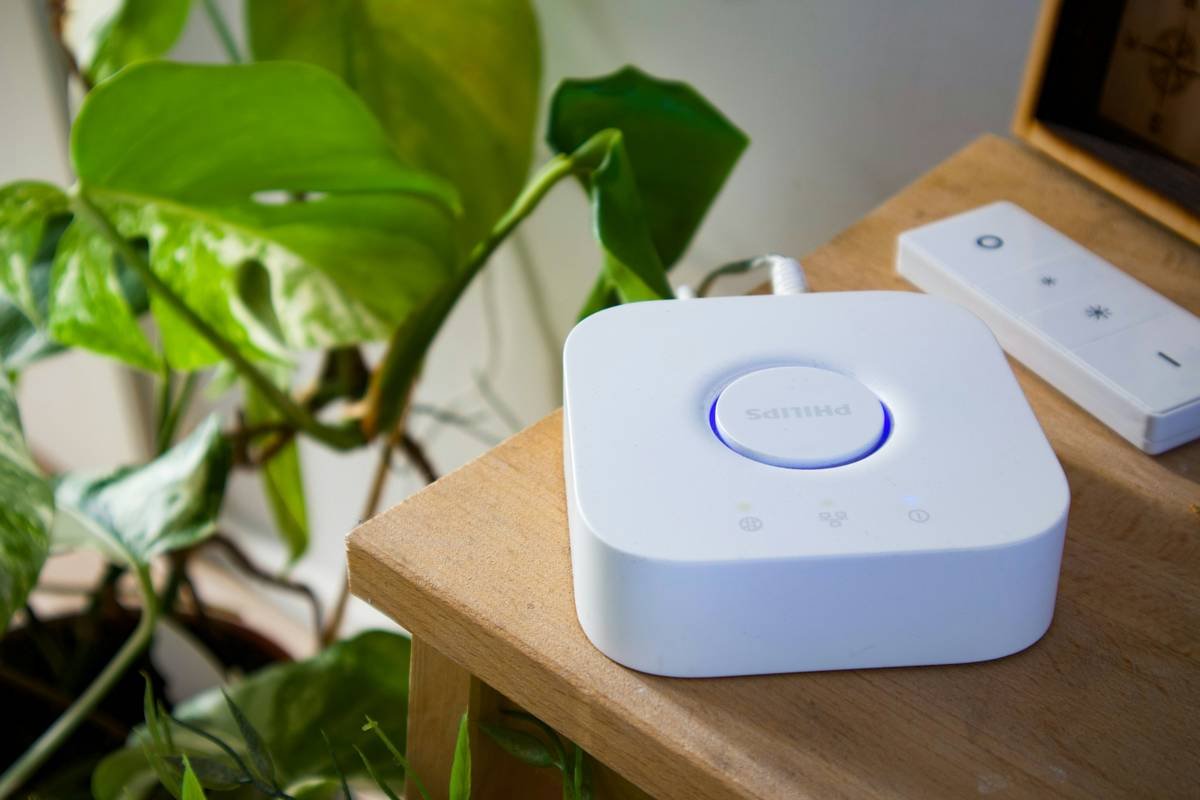
Meet Sarah from Portland, OR: “My mornings used to be a chaotic mess. I’d miss my alarm twice, then scramble to find my glasses, check my calendar, and feed the dog—all while half-asleep. Enter my new smart display clock. It wakes me gently, syncs my schedule instantly, and helps me track habits. Now, I’m actually starting my day ON TIME.”
Of course, not everyone gets it right immediately. Case in point: Jake from Chicago, who proudly reports setting his bedtime reminder for noon instead of midnight. Oops.
FAQs About Smart Display Clocks
Q: Should I replace my traditional alarm clock entirely?
Nope! Traditional clocks have nostalgia value (ahh, those flip numbers), but a smart display clock enhances functionality tenfold.
Q: Will these gadgets drain my Wi-Fi bandwidth?
If you live in a smart home stuffed with IoT devices, yes—it could add slight strain. Pro tip: Upgrade your router if needed!
Q: Is privacy a concern?
Yes—and no. Stick with trusted brands and regularly review permission settings. Privacy is serious business; treat it accordingly.
Conclusion
Smart display clocks may seem like luxury items, but once you experience firsthand how they simplify daily life, you won’t look back. Whether waking you gently, keeping your schedule organized, or doubling as a recipe hub during brunch prep, these multitasking marvels deserve a spot in every smart home.
And hey—if you accidentally ask yours to order 500 pounds of cat food online, well, chalk it up to learning. Just promise us you’ll laugh about it later.
P.S. Remember the golden rule: Treat your SEO strategy like a Tamagotchi—feed it keywords daily.

