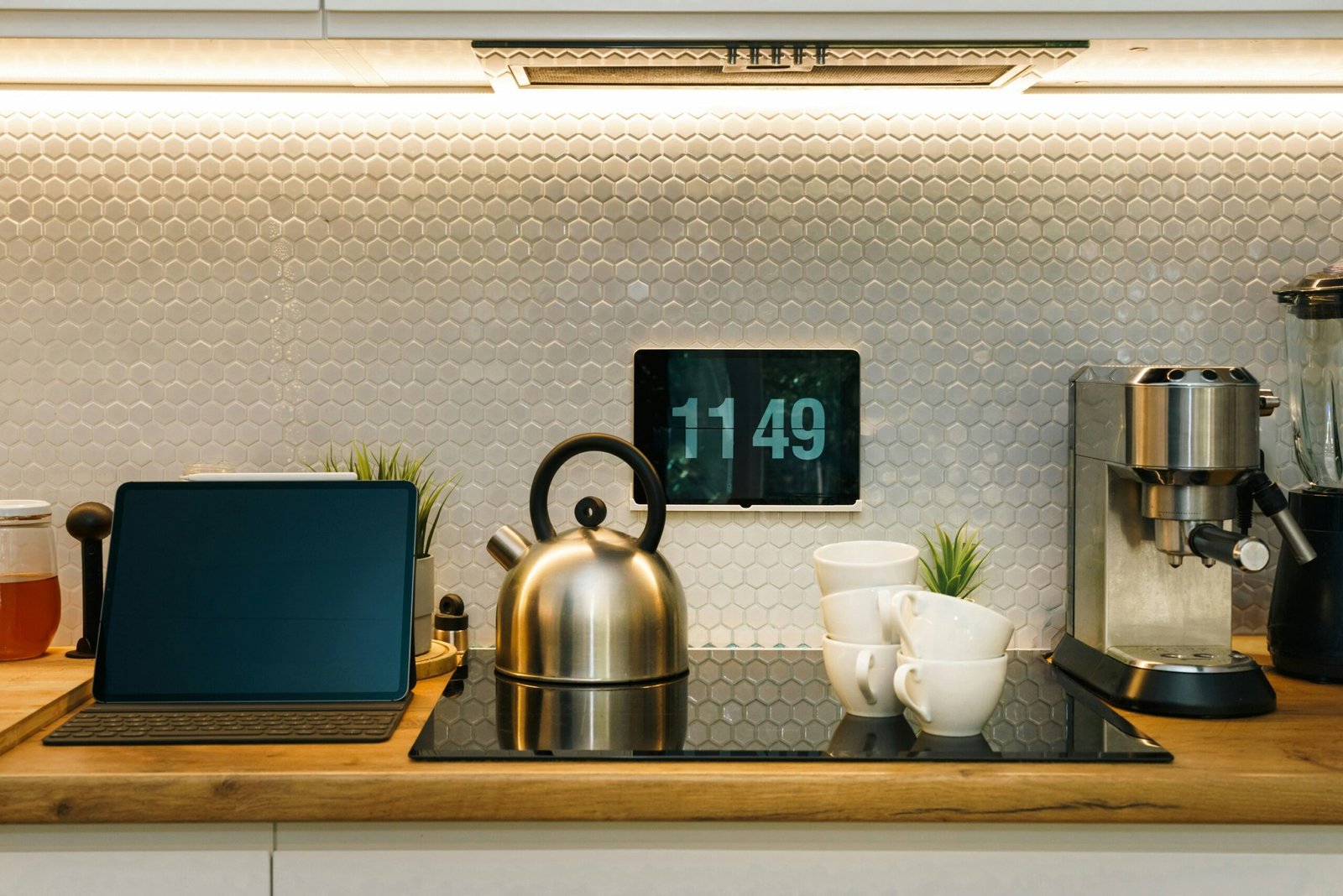
Ever stared at your digital clock display in the middle of the night, wondering why it’s so… lifeless? You’re not alone. Most people think a clock is just for telling time. But what if your smart clock could do more—like wake you up with sunrise hues, sync with your calendar, or even tell you the weather? Stay tuned, because by the end of this post, you’ll know how to transform your plain old clock into the centerpiece of your smart home.
In this guide, we’ll dive deep into why digital clock displays often fall short, show you how to choose and set up a smart clock, dish out pro tips for maximizing functionality, and share real-world success stories from tech-savvy homeowners. Ready? Let’s roll.
Table of Contents
- The Problem With Traditional Digital Clock Displays
- Step-by-Step Guide to Setting Up Your Smart Clock
- 5 Game-Changing Tips for Using Smart Clocks
- Real-Life Examples: How Smart Clocks Can Revolutionize Your Day
- FAQs About Digital Clock Displays and Smart Clock Technology
Key Takeaways
- A digital clock display doesn’t have to be boring—it can enhance your daily routine when paired with smart features.
- Smart clocks offer benefits like seamless integration with other devices, customizable alarms, and real-time updates.
- Making the most of your smart clock involves more than setup; it requires tailoring its functions to fit your lifestyle.
The Problem With Traditional Digital Clock Displays

Let me paint you a picture. It’s 3 AM. Your glowing red digital clock display mocks you as you toss and turn, sleepless thanks to the harsh LED glare. And let’s not forget that blaring beep-beep alarm that jolts you awake worse than any horror movie soundtrack. Honestly, who thought this was acceptable?
Sure, these clocks were revolutionary decades ago, but today they’re relics. They don’t sync with your phone, they don’t dim automatically, and they certainly don’t care about your REM cycle. That’s where smart clocks come in, blending sleek aesthetics with practical functionality designed for modern life.
Step-by-Step Guide to Setting Up Your Smart Clock
Step 1: Choose the Right Device
Not all smart clocks are created equal. Look for one with voice assistant compatibility (like Alexa or Google Assistant) and an adjustable digital clock display. Brands like Lenovo Smart Clock and Amazon Echo Glow are great options.
Step 2: Connect to Wi-Fi
Download the manufacturer’s app, follow the prompts to connect your clock to your home Wi-Fi network, and ensure it has internet access for full functionality.
Step 3: Customize the Display
Configure settings like brightness levels, color schemes, and widget layouts. Want tomorrow’s forecast right on your screen? Done. Prefer a minimalist look? Easy peasy.
Step 4: Integrate with Other Devices
Link your new clock to existing smart home devices using platforms like Apple HomeKit or Samsung SmartThings. Syncing them makes controlling lights, doors, and thermostats effortless.

5 Game-Changing Tips for Using Smart Clocks
- Use Dynamic Alarms: Opt for gentle wake-up routines mimicking natural light instead of grating buzzes.
- Sync Calendars: Keep track of your schedule directly on the digital clock display without needing your phone.
- Voice Control Everything: Pair with a virtual assistant to command tasks hands-free.
- Monitor Sleep Patterns: Some models integrate with health apps to analyze rest quality.
- Rant Section Alert! Whatever you do, avoid cluttering your screen with unnecessary widgets. Overloading defeats the purpose of simplicity.
Real-Life Examples: How Smart Clocks Can Revolutionize Your Day
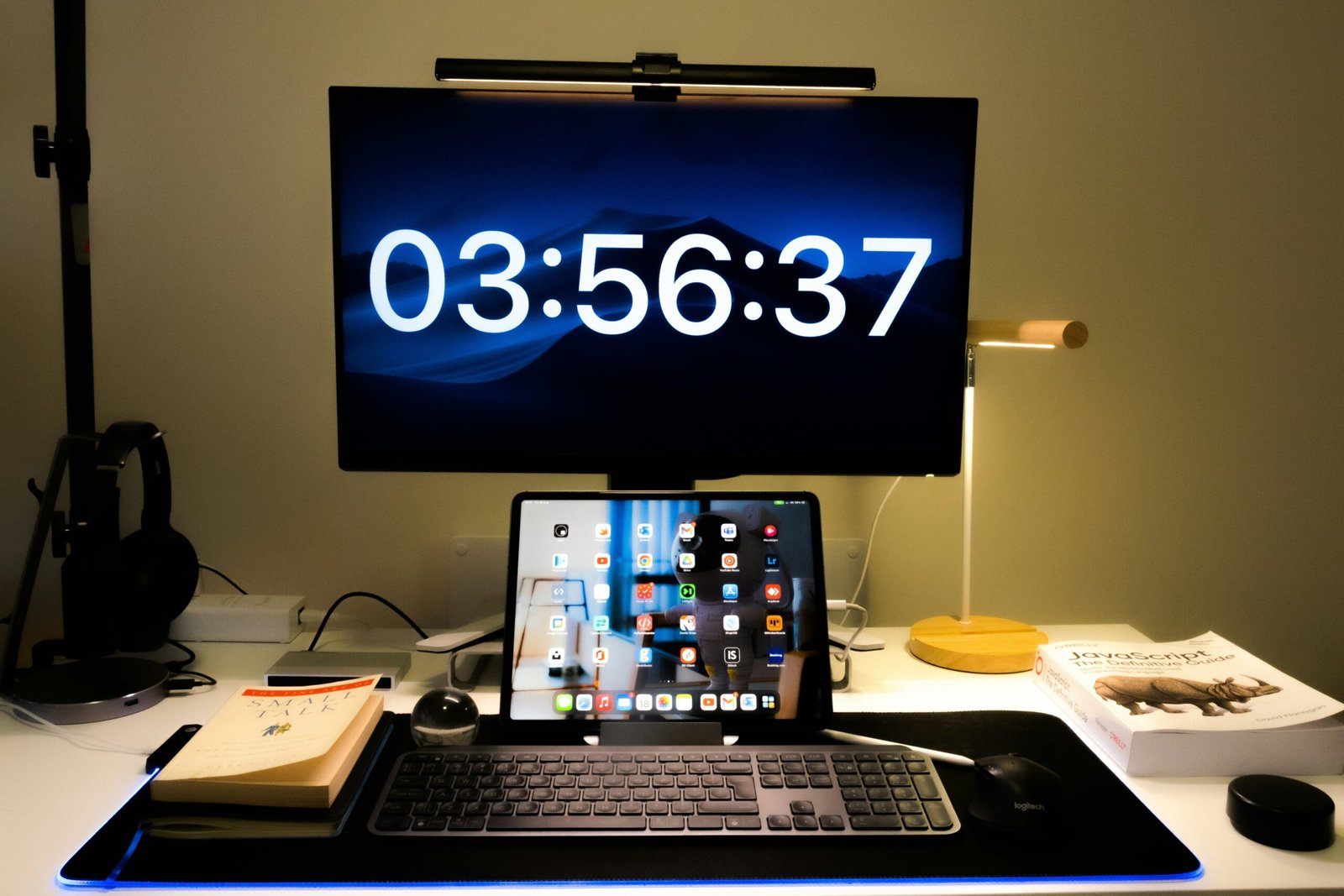
Take Sarah, a busy entrepreneur based in Chicago. Before switching to a smart clock, she relied on her phone for reminders, which meant constant distractions throughout the day. Once she integrated her Lenovo Smart Clock into her office setup, her productivity soared. Now, her morning starts with a serene “good morning” message accompanied by soothing music.
Then there’s James, who swears his upgraded bedroom tech saved his relationship. His fiancée no longer complains about being woken up by sudden noise changes because James uses dynamic lighting effects on his clock for gradual awakenings.
FAQs About Digital Clock Displays and Smart Clock Technology
Are smart clocks worth the investment?
Absolutely! Think beyond just timekeeping—they add convenience, save energy, and improve overall home efficiency.
Can I use my current alarm clock as a smart device?
Unfortunately, no. Transformation magic isn’t real yet. Invest in a proper smart clock designed for advanced features.
Is privacy a concern with smart clocks?
Like any IoT gadget, yes—but brands take security seriously. Always check permissions and update firmware regularly.
Conclusion
There’s no denying it: upgrading to a smart clock with a versatile digital clock display is a game-changer. From crafting peaceful mornings to keeping your life organized, the possibilities are endless. So ask yourself—are you ready to upgrade?
Here’s a bonus haiku to leave you inspired:
Red digits fade fast,
Smart screens glow with potential—
Dreams bloom brighter still.

