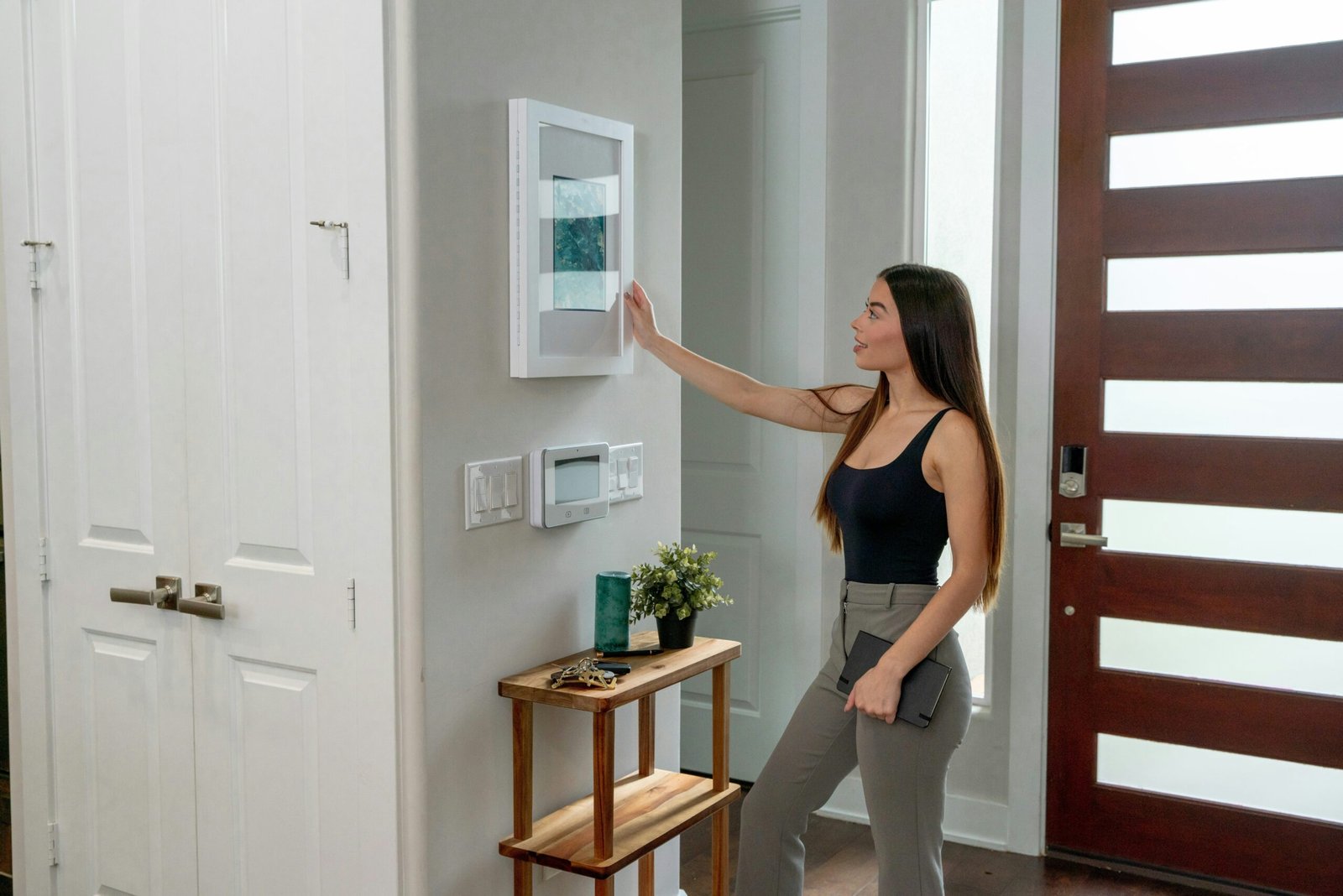
Ever yelled at your smart clock because it just didn’t get you? Yeah, us too. Let’s fix that.
Welcome to the ultimate guide on smart clock voice setup, where we dive deep into making your mornings stress-free (or at least less chaotic). From battling stubborn wake-up alarms to mastering seamless voice commands, this post will show you how to transform your smart clock into a personal assistant worth bragging about. You’ll learn:
- Why smart clocks are more than just alarm-setting gadgets.
- A step-by-step voice setup process tailored for beginners.
- Tips and tricks to make your smart clock smarter—not harder.
Table of Contents
- Introduction
- Key Takeaways
- Why Smart Clocks Are Smarter Than You Think
- How to Set Up Your Smart Clock’s Voice Commands Like a Pro
- 5 Genius Tips for Seamless Smart Clock Use
- When Smart Clocks Save the Day: Real-Life Stories
- Frequently Asked Questions About Smart Clock Voice Setup
- Conclusion
Key Takeaways
- Voice setup makes interacting with your smart clock intuitive and efficient.
- Poorly configured settings can lead to frustration, but simple tweaks yield big improvements.
- Consistency in phrasing and tone ensures smooth communication between you and your device.
Why Smart Clocks Are Smarter Than You Think
Let me tell you something embarrassing: I once spent an entire evening trying to ask my smart clock what time it was. Spoiler alert—it already knew. Instead of delivering results, my poorly configured voice setup only led to awkward silences and endless frustration. If you’ve ever felt like shouting “Alexa/Siri/[insert assistant here], why u hate me?” then you’re not alone.

Smart clocks have evolved far beyond basic timers or alarms. These sleek devices now integrate seamlessly with other smart home products—controlling lights, adjusting thermostats, and even reading recipes aloud without requiring hands-on input. But all these fancy features hinge on one thing: proper voice setup.
“Optimist You:” ‘Imagine waking up every morning to your smart clock setting the perfect ambiance.’
“Grumpy You:” ‘Yeah, great—but first, let’s survive the setup process without losing our minds.’
How to Set Up Your Smart Clock’s Voice Commands Like a Pro
If done correctly, setting up your smart clock’s voice capabilities isn’t rocket science—it’s more like… well, setting an alarm. Here’s how to do it:
Step 1: Connect Your Smart Clock to Wi-Fi
Your smart clock needs internet access to communicate effectively. Open its companion app on your phone, select your Wi-Fi network, and enter the password. Easy peasy—if your router cooperates.
Step 2: Sync with Your Preferred Voice Assistant
Choose between Amazon Alexa, Google Assistant, or Apple Siri based on your ecosystem. Once linked, test by saying something simple like, “Hey [Assistant Name], what’s the weather today?”
Step 3: Customize Wake Words & Phrases
This is crucial. The default wake word might clash with everyday conversations (looking at you, Alexas everywhere!). Change it if needed to avoid accidental activations.
Step 4: Test and Refine Your Setup
Put your new voice commands through their paces. Ask questions, give commands, and observe how responsive your clock is. Adjust microphone sensitivity in the app if required.
5 Genius Tips for Seamless Smart Clock Use
To keep things running smoothly, follow these tried-and-tested tips:
- Speak Clearly: Enunciate your words as though explaining calculus to a toddler.
- Be Consistent: Stick to a specific phrase structure when issuing commands.
- Eliminate Background Noise: Silence those barking dogs before asking your clock to play calming music.
- Keep Firmware Updated: Outdated software = sluggish performance.
- (Terrible Tip Alert): Don’t name your clock after yourself—you’ll confuse both you and Alexa.
Rant Mode Activated: Can we talk about how annoying it is when multiple smart devices answer simultaneously? It’s like they’re competing in some weird tech Olympics!
When Smart Clocks Save the Day: Real-Life Stories
Maria, a busy mom of three, swears her smart clock saved her sanity during exam season. By scheduling reminders via voice command, she ensured each kid studied without missing meals or bedtime routines. Meanwhile, freelancer Jack credits his smart clock for keeping track of deadlines—his favorite feature being automated coffee pot activation right before client calls.

Frequently Asked Questions About Smart Clock Voice Setup
Q: Why won’t my smart clock respond to voice commands?
A: Check connectivity issues (Wi-Fi), verify that the mic is enabled, and ensure there aren’t competing audio signals nearby.
Q: Can I use offline voice commands with my smart clock?
A: Typically, no. Most models require internet access for full functionality, though limited offline options exist depending on the brand.
Q: Is it safe to link my smart clock to third-party apps?
A: Yes—but review permissions carefully. Only grant access to trusted applications to protect your data privacy.
Conclusion
In conclusion, mastering your smart clock voice setup isn’t just about avoiding early-morning meltdowns; it’s about harnessing technology to simplify life. With the right configurations, clear instructions, and occasional troubleshooting, you’ll wonder how you ever survived without this handy gadget. Now go forth and rule your mornings… and evenings… and lunch breaks.
PS: Remember, your smart clock is kinda like your Tamagotchi—it thrives on attention. Feed it good vibes and updates regularly 😉

