
Ever yelled at your smart clock because it couldn’t understand “set an alarm for 6 AM”? Yeah, us too. It’s frustrating when voice recognition fails, leaving you stuck fiddling with buttons instead of enjoying seamless smart home tech. But here’s the thing—you’re not alone, and there are *real* solutions to make your smart clocks listen (finally).
In this guide, we’ll break down everything from why voice recognition struggles to how you can optimize it like a pro. You’ll learn actionable voice recognition tips, including step-by-step instructions, practical examples, and even some brutal honesty about what really works (and what doesn’t).
Table of Contents
- Why Smart Clock Voice Recognition Fails
- Step-by-Step Guide to Perfecting Voice Commands
- Voice Recognition Tips for Smarter Control
- Real-Life Success Stories
- FAQs About Smart Clocks and Voice Recognition
Key Takeaways
- Voice recognition issues often stem from poor setup or environmental noise.
- Using clear language, proper placement, and consistent calibration boosts accuracy.
- High-quality microphones and firmware updates are game-changers for performance.
Why Smart Clock Voice Recognition Fails
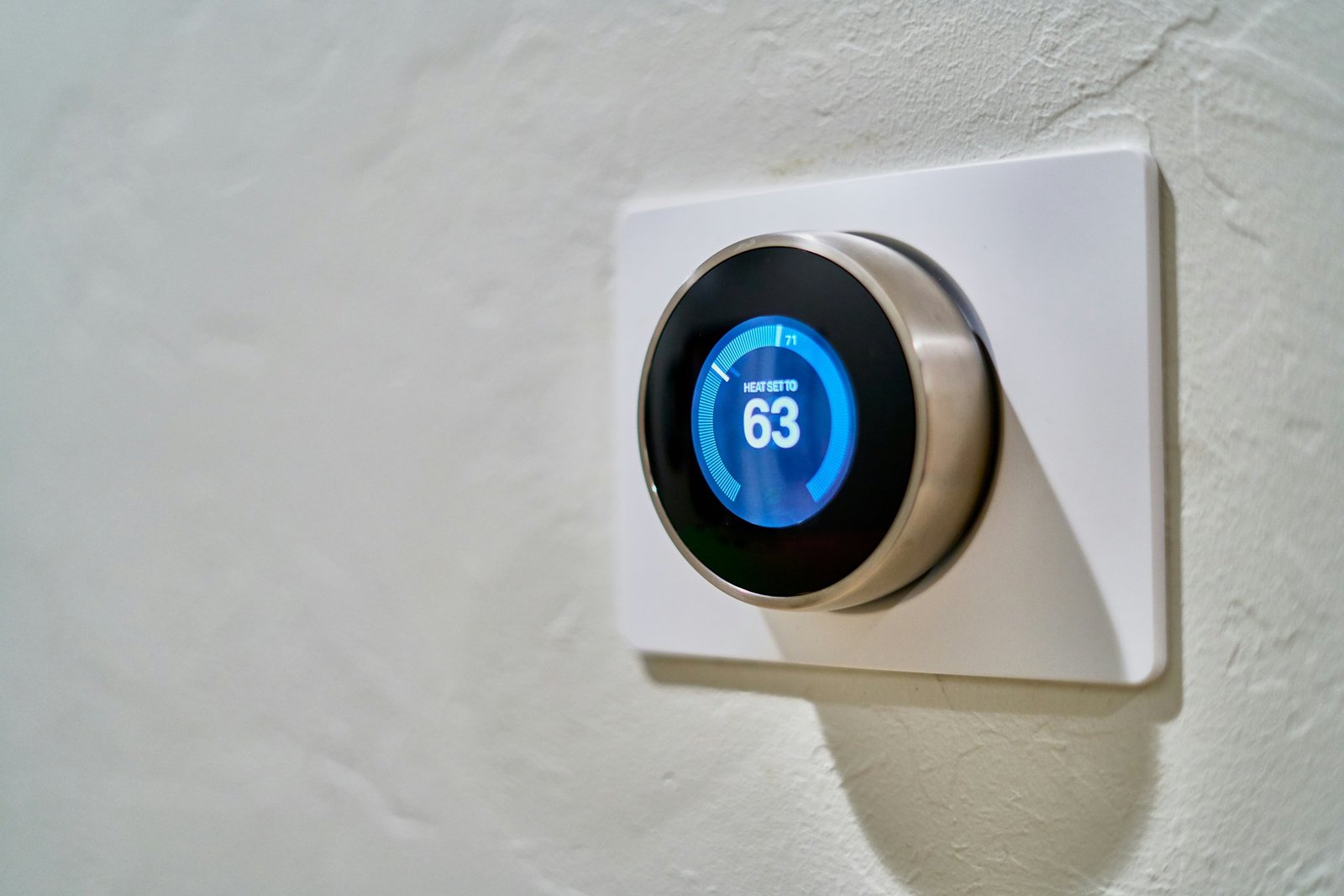
We’ve all been there—yelling louder as if volume will fix the issue. Spoiler alert: It won’t. One time, I accidentally shouted “Set alarm!” so loud my dog started barking… while my smart clock sat there doing absolutely nothing. Chef’s kiss for stress.
The truth is, most problems boil down to three culprits:
- Noisy Environments: Background chatter drowns out your commands.
- Poor Placement: Placing your smart clock near walls or behind clutter blocks sound waves.
- Outdated Software: Firmware that hasn’t seen an update since dinosaurs roamed.
Sounds familiar? Let’s move on to solving these glitches once and for all.
Step-by-Step Guide to Perfecting Voice Commands
“Optimist You:” ‘This is going to be easy!’
Grumpy You: ‘Ugh, fine—but only if coffee’s involved.’ “
Alright, let’s get real. Follow these steps to turn your stubborn smart clock into a responsive assistant:
Step 1: Find the Sweet Spot for Placement
Your device needs space to breathe. Avoid corners, bookshelves, and spots next to speakers or TVs. Think of it like setting up a microphone for streaming—it needs a quiet stage.
Step 2: Calibrate Microphone Sensitivity
Many smart clocks allow manual adjustments for mic sensitivity. Check your settings app (yes, they actually have those). Lower sensitivity reduces background noise interference.
Step 3: Regularly Update Firmware
Manufacturers release updates to improve voice recognition algorithms. Don’t skip them—it’s like ignoring software patches for your phone.

Voice Recognition Tips for Smarter Control

Here’s where things get spicy:
- Speak Slowly and Clearly: No mumbling allowed! Pretend you’re ordering coffee in fluent Klingon.
- Avoid Slang: Smart clocks aren’t fans of informal speech. Stick to standard phrases.
- Test Multiple Commands: Try different ways to phrase requests (e.g., “Turn off the light” vs. “Switch the light off”).
- Use Wake Words Wisely: Always start with the designated wake word (Alexa, Hey Google, etc.).
- Terrace Tip Disclaimer: Someone online said blasting white noise would help train your device. Ignore them. Just don’t.
Real-Life Success Stories
Meet Sarah, whose smart clock refused to acknowledge her British accent until she adjusted its regional settings. Problem solved overnight. Another user, Mark, discovered his echo-y kitchen was sabotaging commands—he added acoustic panels and voilà!
FAQs About Smart Clocks and Voice Recognition
Why Does My Smart Clock Mishear Me?
Environmental noise, unclear enunciation, and outdated firmware are common reasons.
Is There Any Way to Teach It New Phrases?
Some models support custom voice training through companion apps.
Can Humidity Affect Performance?
Yes, extreme humidity can interfere with internal components over time.
Conclusion
You now possess insider knowledge on mastering voice recognition tips for smart clocks. From troubleshooting placement to embracing firmware updates, you’re equipped to dominate the battle against misheard commands. Now go forth and commandeer your smart home technology like never before!
And remember: Like a Tamagotchi, your SEO strategy—and your smart clock—needs daily care. 🌱
Haiku Time:
Speakers catch whispers,
Yet drown beneath TV blasts—
Smart homes need balance.

