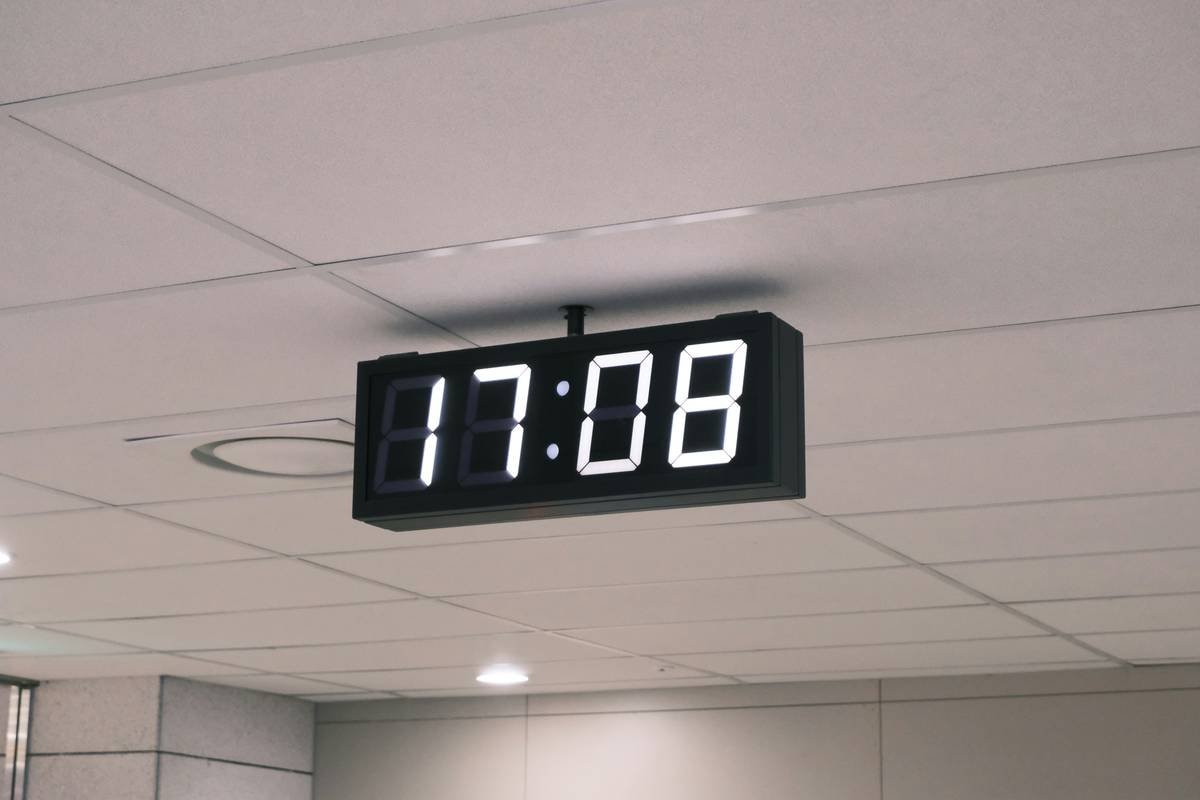
Ever shouted at your smart clock only to have it misunderstand you completely? Yeah, we’ve all been there. Whether it’s setting alarms or controlling the thermostat, smart clocks are becoming our go-to assistants—but they’re not magic. To truly unleash their potential, you need to master voice assistant shortcuts. This guide will show you how to make these digital sidekicks work harder—not smarter—for you.
In this post, you’ll learn:
- The surprising ways voice assistant shortcuts can simplify your life.
- A step-by-step process to set up custom commands on your smart clock.
- Best practices (and one terrible tip) for maximizing efficiency.
- Real-world examples of people who transformed their routines with smart clocks.
Table of Contents
- Key Takeaways
- Why Smart Clocks Matter in 2024
- Step-by-Step Guide: Setting Up Voice Assistant Shortcuts
- 5 Tips for Better Voice Assistant Shortcut Usage
- Success Stories: How Others Are Winning With Shortcuts
- Frequently Asked Questions About Smart Clock Shortcuts
- Conclusion: Why You Should Start Today
Key Takeaways
- Voice assistant shortcuts allow you to automate repetitive tasks quickly.
- Customizing your shortcuts boosts productivity and reduces frustration.
- Not every shortcut saves time; knowing when *not* to use them is just as important.
- Real users report faster mornings and smoother evenings thanks to shortcuts.
Why Smart Clocks Matter in 2024
Confession: I once spent an entire morning screaming “Turn off bedroom lights!” into my Echo Dot connected to a smart clock… only to realize I hadn’t paired the devices correctly. RIP serotonin levels. Sound familiar? As someone who writes about tech failures weekly, let me tell you—these little gadgets pack a punch if used right.
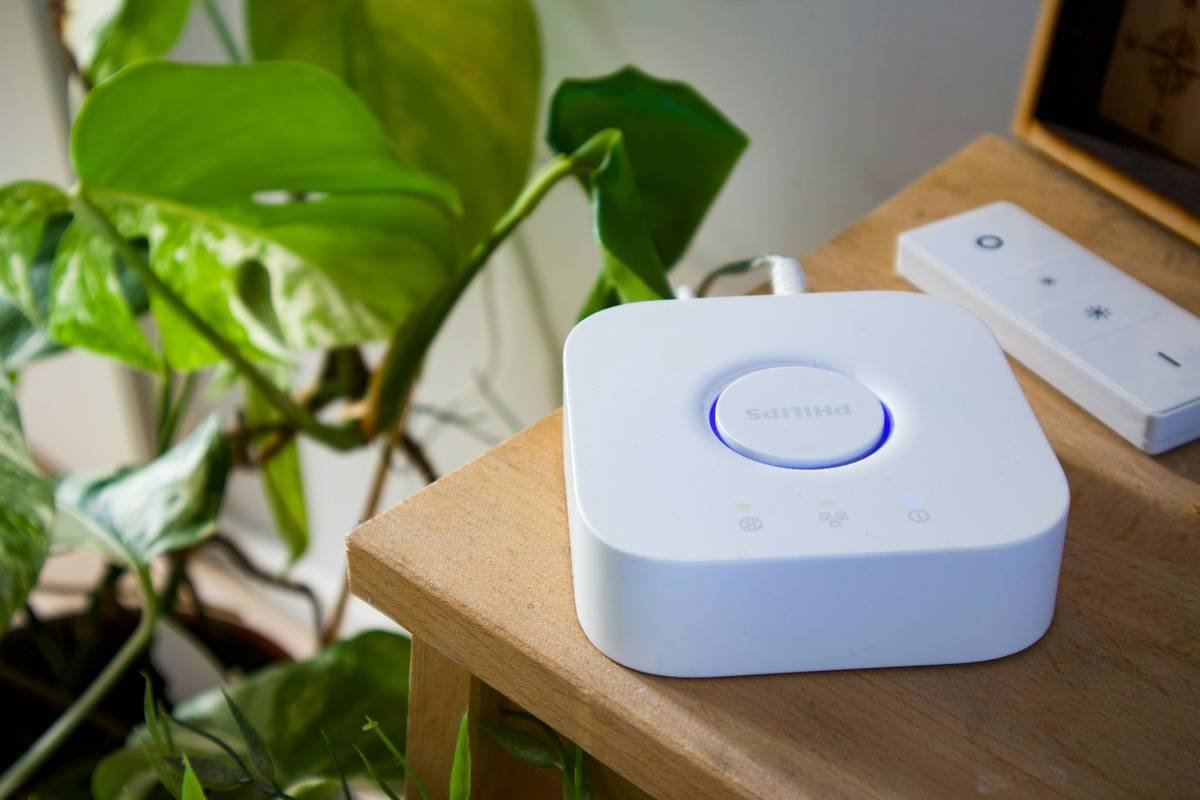
Smart clocks are more than glorified alarm machines. They integrate seamlessly with other smart home devices via voice assistants like Alexa, Google Assistant, or Siri. With voice assistant shortcuts, you can do everything from adjusting room temperatures to ordering coffee beans without lifting a finger.
Step-by-Step Guide: Setting Up Voice Assistant Shortcuts
Optimist You: “This sounds easy enough!”
Grumpy You: “Ugh, fine—but only if coffee’s involved.”
Step 1: Choose a Platform
First things first—pick which voice assistant ecosystem you’re working within. Options include:
- Alexa Routines: Ideal for Amazon Echo Show users.
- Google Actions: Perfect if you’re team Android/Google Nest Hub.
- Siri Shortcuts: For Apple loyalists rocking HomePod Mini setups.
Step 2: Identify Repetitive Tasks
Write down boring stuff you repeat daily:
“Turn on kitchen lights,” “Set morning briefing,” etc. Hint: Think lazy Saturday mornings.
Step 3: Customize Shortcut Phrases
Rather than saying, “Hey Google, dim living room lights, set AC to 72 degrees, and play jazz music,” create a single command like, “Goodnight mode.” Simpler = better.
Step 4: Test and Troubleshoot
Tech hates us sometimes. If your shortcut doesn’t fire, double-check device pairings and connectivity.
Step 5: Fine-Tune Based on Feedback
Ask family members whether they find your new system helpful—or hilariously annoying.
5 Tips for Better Voice Assistant Shortcut Usage
Here’s where strategy gets chef’s kiss:
- Keep It Simple: Long phrases confuse AI—stick to natural speech patterns.
- Group Similar Commands: Combine lighting control + media playback under one phrase.
- Save Quiet Times: Schedule automations so timers don’t blast while sleeping.
- Use Visual Cues: Pair auditory responses with displayed notifications for clarity.
- *Bad Tip Warning*: Don’t Overload Shortcuts
Pro tip alert: Avoid creating mega-combos (“Good Morning Apocalypse”). Too much automation equals chaos.
Success Stories: How Others Are Winning With Shortcuts
Lisa R., 38, mom of three, swears by her “Morning Rush” shortcut: “My kids were always late for school until I programmed our Google Nest Hub to wake everyone up, turn off alarms, and announce weather updates—all triggered by ‘Wakey Wakey.’ Game-changer.” Another user cut his laundry folding time in half by syncing smart washing cycles with bedtime announcements.
Frequently Asked Questions About Smart Clock Shortcuts
Are voice assistant shortcuts secure?
Yes—if you enable passcodes or biometric authentication for sensitive actions.
Can I transfer shortcuts across platforms?
Sadly no. Ecosystems rarely share compatibility. Stick to one brand per household.
What happens if Wi-Fi goes down?
Some shortcuts may fail. Consider backup plans for critical routines.
Conclusion: Why You Should Start Today
Voice assistant shortcuts aren’t just buzzwords—they’re life-changing tools waiting to be unlocked. By following this guide, you’ll save countless hours (and maybe even prevent some screaming matches). Now go ahead, give yourself permission to outsource mundane chores to your smart clock. After all, technology exists to serve YOU.
“Like resetting your router back to factory settings…your smart clock deserves fresh programming love.” – Wise Words from Tech Elders

