
Ever woken up late because your alarm clock couldn’t outsmart your snooze button? Yeah, us too.
In this guide, we’ll dive deep into how you can use a voice assistant with your smart clock to streamline your mornings and take control of your day. By the end of this article, you’ll know:
- Why voice assistants are changing the game for smart clocks.
- Step-by-step instructions on setting up and using your voice assistant.
- Bonus tips to level up your smart home experience.
- Real-world examples that bring it all together.
Table of Contents
- Key Takeaways
- Section 1: Why Smart Clocks with Voice Assistants Are a Game Changer
- Section 2: Step-by-Step Guide to Setting Up Your Voice Assistant
- Section 3: Tips for Maximizing Your Voice Assistant + Clock Combo
- Section 4: Real-Life Examples That Prove It Works
- Section 5: FAQs About Using Voice Assistants with Clocks
Key Takeaways
- Voice assistants integrated with smart clocks make life easier by automating tasks like alarms and reminders.
- You need compatible devices (e.g., Google Home, Alexa) and proper configuration to get started.
- Mistakes like overloading your setup with unnecessary commands can ruin the experience.
- Smart clocks aren’t just about time—they’re hubs for managing your entire day.
Section 1: Why Smart Clocks with Voice Assistants Are a Game Changer
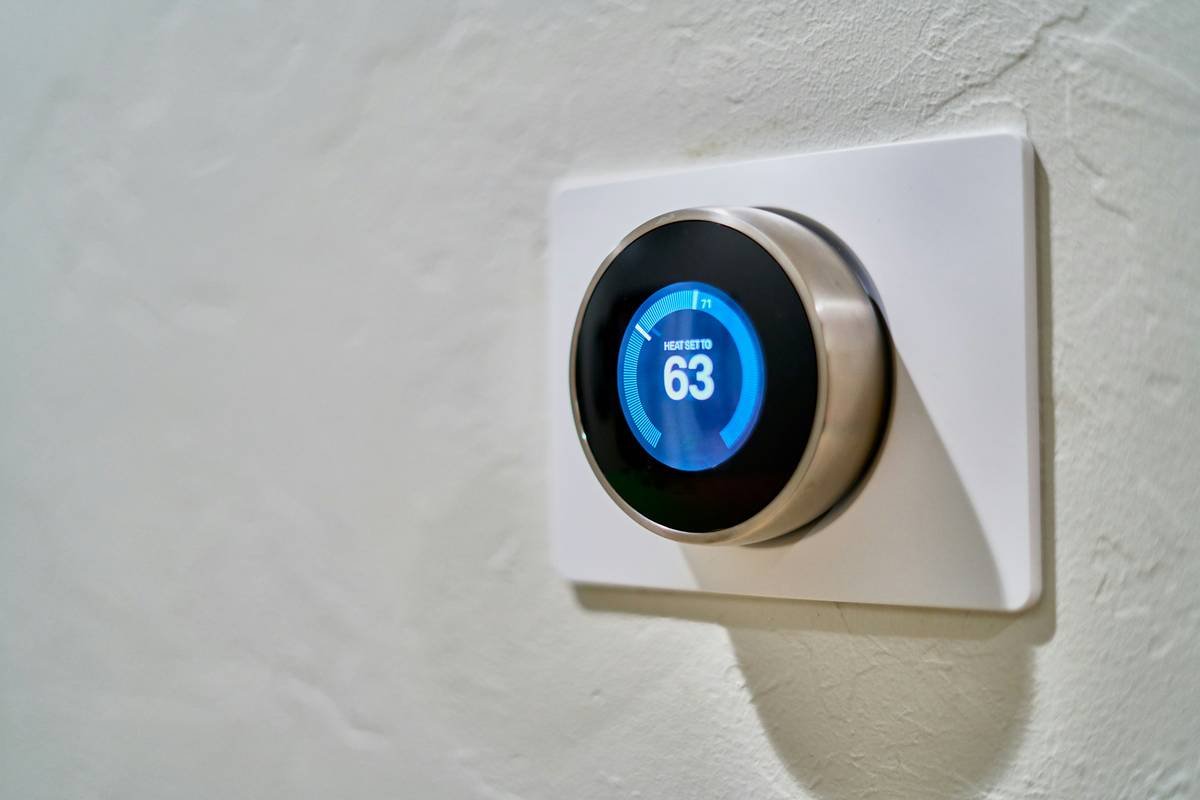
Let’s face it—waking up is hard enough without wrestling with clunky gadgets. But here’s where I messed up big-time once:
I bought a fancy smart clock thinking it would solve my morning chaos. Instead, I ended up yelling at it because it couldn’t understand simple commands like “Set an alarm!” Turns out, I skipped pairing it with a voice assistant properly. Rookie move.
A voice assistant with a clock doesn’t just wake you up—it becomes your personal valet. Need weather updates while brushing your teeth? Done. Want traffic alerts before heading out? Easy. And yes, even muting annoying notifications works seamlessly.
Section 2: Step-by-Step Guide to Setting Up Your Voice Assistant
Optimist You: *“This setup process will be quick!”*
Grumpy You: *“Ugh, let me grab coffee first.”*
- Choose Compatible Devices: Ensure your smart clock supports integration with popular voice assistants like Amazon Alexa or Google Assistant.
- Download the Right App: Get the official app for your voice assistant from the App Store or Google Play Store.
- Connect Devices: Pair your smart clock via Bluetooth or Wi-Fi through the app. Follow prompts carefully—you don’t want another rookie mistake like mine!
- Enable Voice Commands: Activate features like wake words (“Hey Google” or “Alexa”) so your clock listens when you speak.
- Test It Out: Say something simple like, “What time is it?” or “Tell me tomorrow’s weather forecast.”
Section 3: Tips for Maximizing Your Voice Assistant + Clock Combo
Here’s the juicy part—the pro-level hacks:
- Routines = Magic: Set routines like “Good Morning” in Alexa or Google Home apps. These trigger multiple actions simultaneously, such as turning on lights, playing music, and giving news updates.
- Prioritize Privacy: Disable unwanted permissions and ensure microphones aren’t always listening. Security matters, folks.
- Voice Customization: Tweak language settings, accents, or volume levels based on your preference.
- Sync Across Devices: Link other smart home devices (e.g., thermostats, speakers) for seamless control.
- Terrible Tip Alert: DON’T overload your system with a gazillion custom commands unless you want it to sound like your laptop fan during a 4K render—whirrrr.
Section 4: Real-Life Examples That Prove It Works
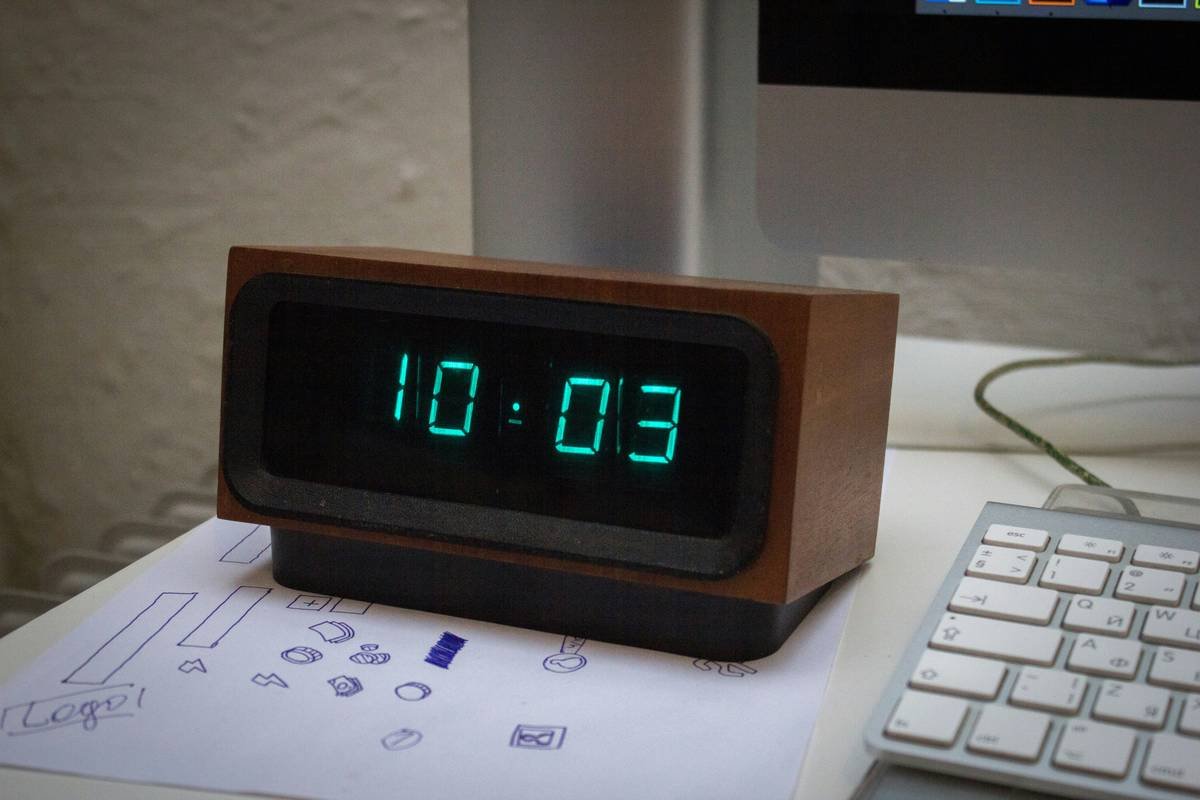
Take Sarah, for instance. She was skeptical about adding yet another gadget until she synced her Echo Dot with her smart clock. Now? Her mornings start stress-free thanks to automatic lighting schedules and customized wake-up playlists.
Another success story comes from Mark, who swears by his bedtime routine. By saying “Night Night,” his smart clock dims bedroom lights, sets an alarm, and locks his front door—all hands-free. Chef’s kiss for convenience.
Section 5: FAQs About Using Voice Assistants with Clocks
- Q: What if my smart clock doesn’t recognize my voice?
A: Check compatibility, update firmware, or recalibrate microphone sensitivity within the app. - Q: Can I use two voice assistants at once?
A: Technically, yes, but expect confusion. Stick to one ecosystem unless you love headaches. - Q: Do these gadgets work offline?
A: Basic functions might still run, but advanced queries require internet access.
Conclusion
Gone are the days of slamming down alarm buttons every five minutes. With a voice assistant paired with your smart clock, mornings become less chaotic and more intentional.
Remember our grumpy optimist dialogue? Well, guess what—your coffee machine could soon be part of the equation too (thanks to smart tech).
Now go forth and conquer those early hours. Oh, and keep this haiku close:
Smart clock hears my plea,
Voice commands save sleepy souls—
Mornings are magic.

