Ever tried setting six alarms at once on your smart clock, only to accidentally delete them all? Yeah, we’ve been there. The frustration of managing multiple alarms, timers, and reminders without seamless control can make you feel like you’re stuck in a tech time warp. But here’s the good news—voice assistant integration is revolutionizing how we interact with smart clocks, turning clunky commands into intuitive, hands-free experiences.
In this post, we’ll explore why voice assistants are essential for your smart clocks, how to set them up effectively, expert tips for maximizing their potential, real-world examples of success, and answers to frequently asked questions. By the end, you’ll know exactly how to transform your mornings (and nights) with a smarter clock setup.
Table of Contents
- Key Takeaways
- Section 1: Why Smart Clocks Need Voice Assistant Integration
- Section 2: How to Set Up Voice Assistant Integration for Your Smart Clock
- Section 3: Best Practices for Using Voice Assistant Integration
- Section 4: Real-Life Examples of Voice Assistants Improving Smart Clock Functionality
- Section 5: FAQs About Voice Assistant Integration
- Conclusion
Key Takeaways
- Voice assistant integration makes smart clocks more user-friendly and functional.
- Proper setup ensures compatibility between devices and enhances performance.
- Tailored routines and voice commands optimize daily productivity.
- Real-world use cases prove the value of integrating voice assistants into smart homes.
Section 1: Why Smart Clocks Need Voice Assistant Integration

Let’s face it—most traditional digital clocks feel like relics from the Stone Age compared to today’s innovative smart clocks. While they excel at basic tasks like displaying time or sounding an alarm, they lack flexibility. Enter voice assistant integration, which elevates functionality by allowing users to issue commands simply by talking. No more fumbling through menus when half-asleep!
Here’s why this matters:
- Simplicity: Managing alarms, music playlists, or even controlling other smart home devices becomes effortless.
- Accessibility: People with mobility issues or visual impairments benefit greatly from voice controls.
- Multitasking: Imagine asking your smart clock to play relaxing sounds while dimming the lights—all via one simple phrase.
“Optimist You:” This is where technology truly shines!
“Grumpy You:” Sure, but only if Alexa doesn’t mishear me again.”
Section 2: How to Set Up Voice Assistant Integration for Your Smart Clock
Step 1: Choose Compatible Devices
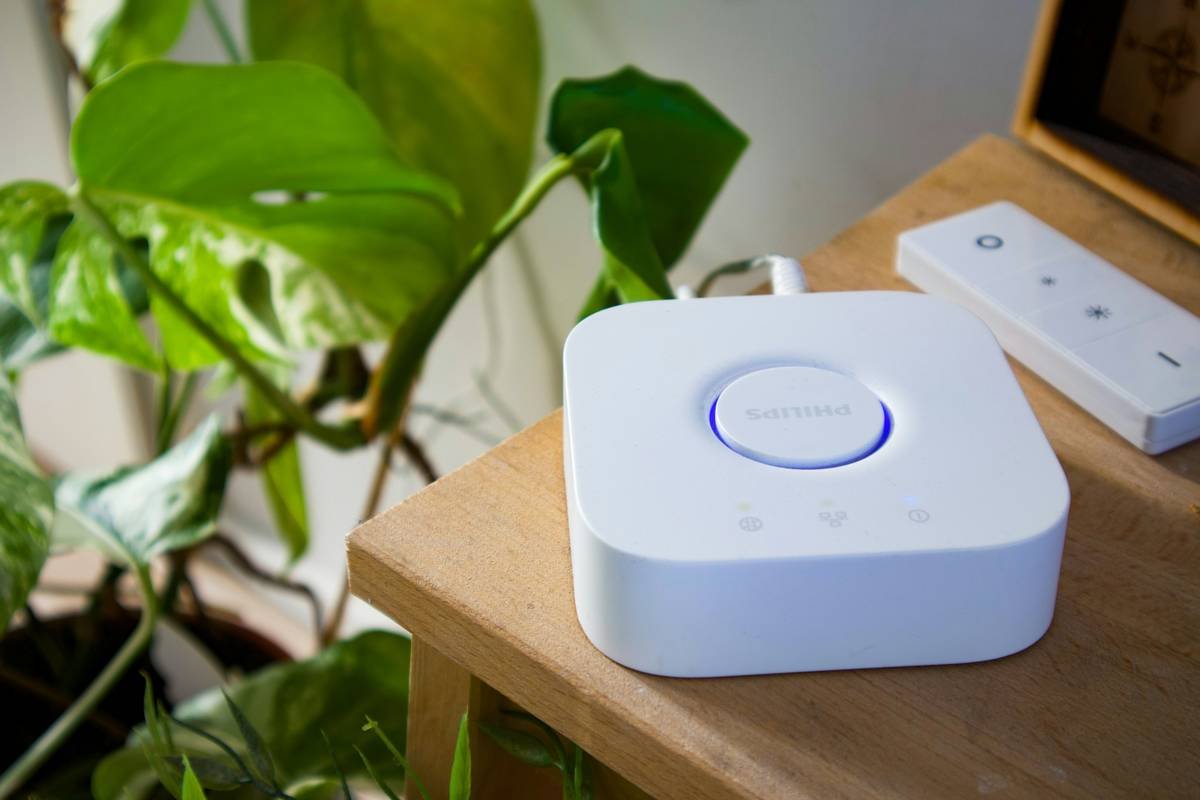
First things first—not every smart clock pairs well with every voice assistant. Ensure your device supports popular options like Amazon Alexa, Google Assistant, or Apple Siri. Check product specifications before purchasing.
Step 2: Connect to Wi-Fi
A stable Wi-Fi connection powers most smart features. Navigate to your clock’s settings menu and follow prompts to join your network.
Step 3: Link Your Voice Assistant Account
Download the corresponding app (e.g., Alexa app), create or log into your account, and pair it with your smart clock using Bluetooth or Wi-Fi Direct.
Step 4: Test Commands
Try out some basic instructions such as “Set an alarm for 7 AM” or “Play my morning playlist.” If everything works smoothly, congrats—you’re ready to roll!
Terrible Tip Disclaimer: Skip testing because “what could possibly go wrong?” Hint: A LOT. Always test before relying solely on your new setup.
Section 3: Best Practices for Using Voice Assistant Integration
- Speak Clearly: Enunciate words carefully to avoid misunderstandings (“Timer for 10 seconds” vs. “Tinder for 10 seconds”).
- Minimize Background Noise: Silence competing audio sources during interactions.
- Customize Routines: Program personalized routines, such as “Good Morning,” to streamline tasks.
- Secure Privacy Settings: Review permissions to prevent unauthorized access.
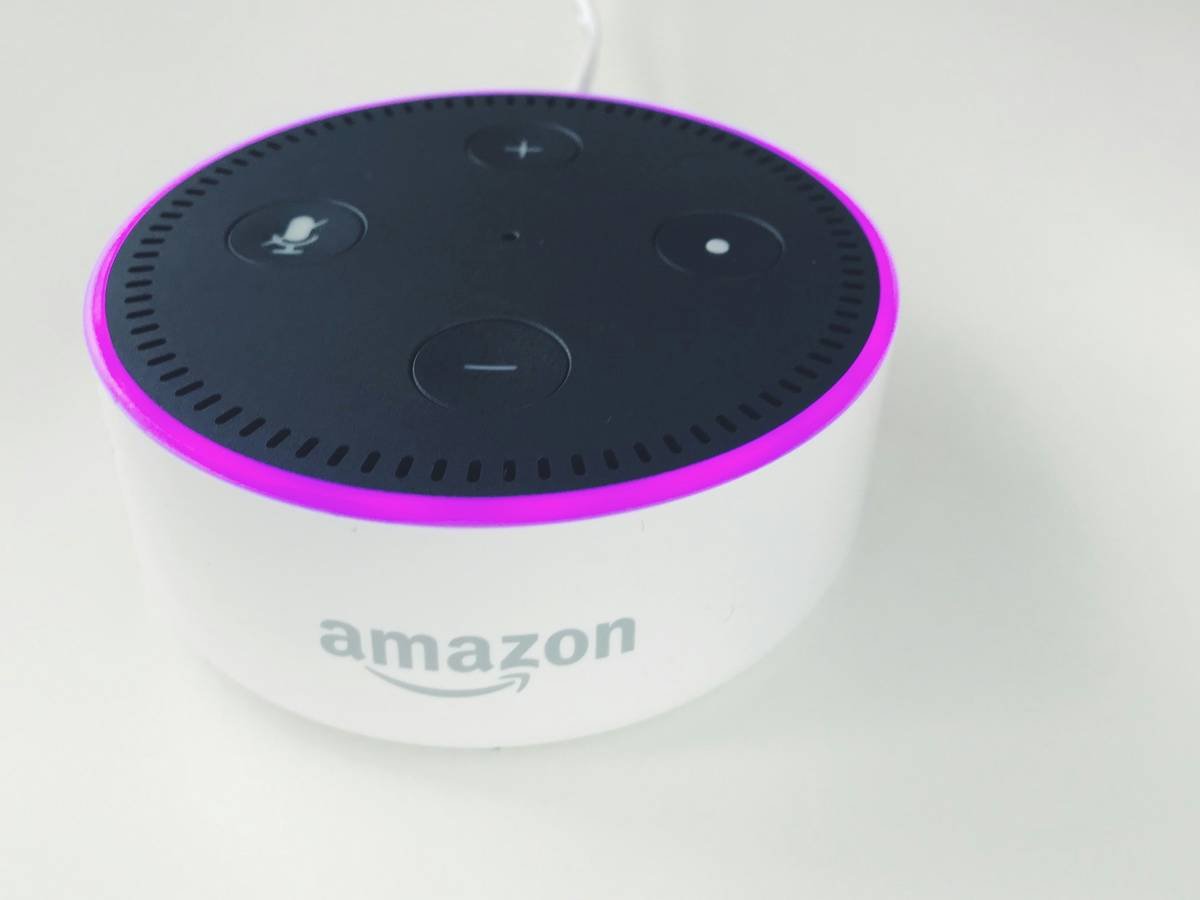
Rant Section: Ugh, let’s talk about the elephant in the room—annoying wake words. Why does my smart clock ALWAYS trigger when I say “Hello Echo”? It’s chef’s kiss annoying.
Section 4: Real-Life Examples of Voice Assistants Improving Smart Clock Functionality
Take Sarah, a busy professional who uses her smart clock integrated with Google Assistant to manage her hectic schedule. Every morning, she says, “Hey Google, start my day,” triggering her coffee maker, reading out weather updates, and playing energizing tunes—all coordinated seamlessly.
Or consider John, whose bedtime routine involves telling his Alexa-enabled clock, “Alexa, relax mode,” dimming lights and starting white noise automatically. These case studies highlight how small conveniences add up to big improvements in quality of life.
Section 5: FAQs About Voice Assistant Integration
Q1: Can any smart clock support voice assistant integration?
No, compatibility depends on the model. Always verify specs before buying.
Q2: What happens if my Wi-Fi goes down?
Offline functionality may be limited. Some devices offer basic offline commands, though.
Q3: Is it safe to link multiple devices to one voice assistant?
Yes, provided proper security measures are in place. Regularly update passwords and review access logs.
Conclusion
We’ve come full circle—from the struggles of manual clock management to unlocking true potential through voice assistant integration. Whether simplifying tasks, enhancing accessibility, or just making mornings less chaotic, embracing this tech is a game-changer.
So, what are you waiting for? Dive headfirst into the world of smarter living—one command at a time. Don’t forget your coffee mug; those mornings won’t organize themselves.
Like a Tamagotchi, your SEO needs daily care. Here’s a haiku to send you off:
Clock chimes softly now,
Voice whispers answers clear—
Tech harmony blooms.

