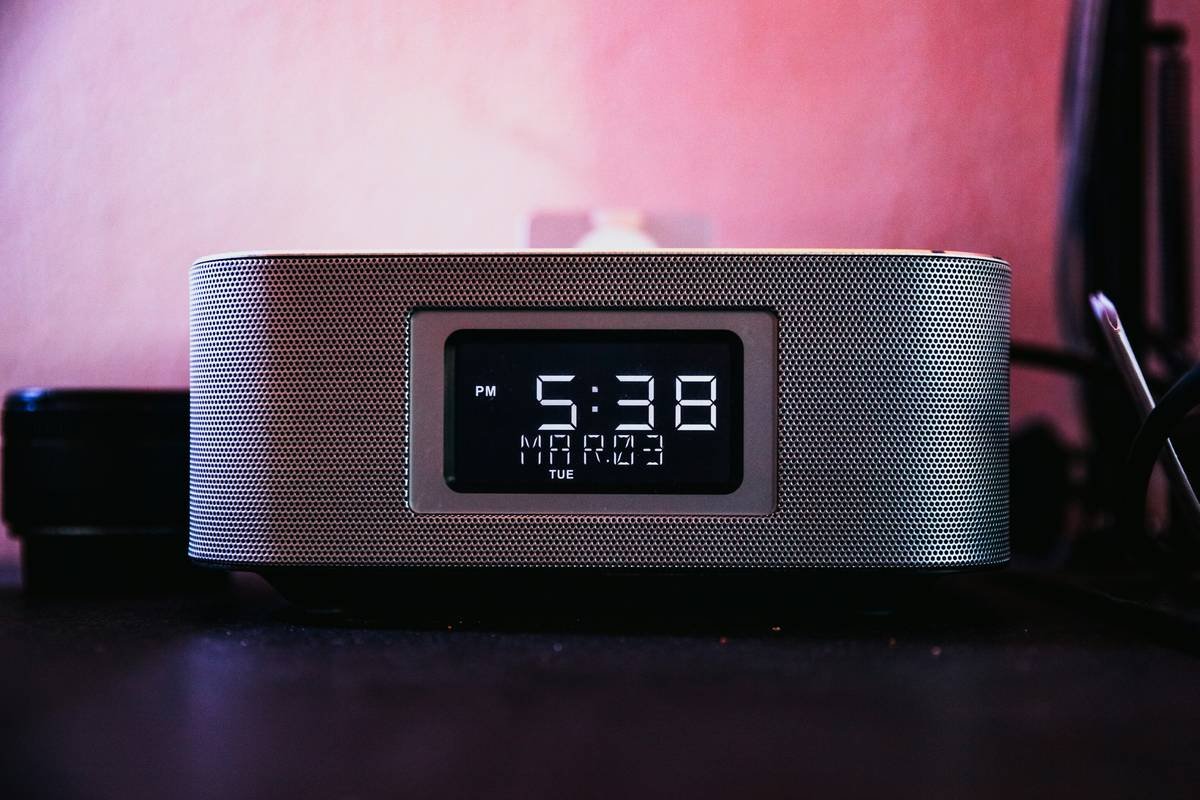
Ever woken up feeling like you’ve been hit by a truck, even after eight hours of sleep? Or maybe your mornings start with a groggy battle against the snooze button instead of an energized launch into the day. If this sounds familiar, chances are your smart clock might be part of the problem—or more importantly, part of the solution. In this post, we’ll explore actionable smart clock health tips designed to transform your sleep quality, morning routine, and overall well-being.
Table of Contents
- Why Your Smart Clock Could Be Sabotaging Your Health
- Step-by-Step Guide to Setting Up Your Smart Clock for Health
- Top 5 Smart Clock Health Tips You Can’t Ignore
- Real-Life Success Stories Using Smart Clocks for Better Health
- Frequently Asked Questions About Smart Clocks and Health
Key Takeaways
- Smart clocks aren’t just timekeepers—they’re powerful tools for improving your health.
- Poorly configured smart clocks can disrupt circadian rhythms and increase stress levels.
- You’ll discover how to use features like light alarms, sleep tracking, and voice reminders to enhance wellness.
- We include pro tips, real-world examples, and honest advice on what not to do.
Why Your Smart Clock Could Be Sabotaging Your Health
Sounds like one of those sci-fi nightmares, but here’s the truth: poorly set up smart clocks can actually harm your health. I made this mistake myself once—setting my alarm to blaring notifications at midnight because I forgot to adjust the timezone settings. Talk about ruining REM sleep.
The biggest culprit? Blue light exposure before bed. Many people don’t realize their smart clock’s screen emits enough blue light to trick your brain into thinking it’s daytime. This messes with melatonin production and leaves you tossing and turning all night long.
Other issues? Alarms that jolt you awake mid-deep-sleep cycle (hello cortisol spike) or endless notifications disrupting your rest. It’s enough to make anyone grumpy—but don’t worry, there’s hope.
“Optimist You:” ‘Just a few tweaks and my smart clock will help me wake up refreshed!’
“Grumpy You:” ‘Ugh, fine—but only if coffee’s involved.'”
Step-by-Step Guide to Setting Up Your Smart Clock for Health
To avoid sabotaging your zzz’s, follow these steps:
1. Dim That Light
Most smart clocks come with adjustable brightness settings. Lower the display intensity before bedtime to reduce blue light exposure. Bonus points if your model has a “Night Mode.”
2. Invest in a Sunrise Alarm Feature
If your smart clock supports sunrise simulation, enable it. These gentle wake-up lights mimic natural sunlight, gradually pulling you out of deep sleep without shocking your system.
3. Customize Notifications
Nobody needs a midnight weather update or social media alert buzzing through their bedroom. Turn off non-essential notifications during sleep hours.
4. Sync with Wearables
Connect your smart clock to fitness trackers or smartwatches. Doing so provides insights into your sleep cycles and helps optimize alarm times based on when you’re closest to waking naturally.
Top 5 Smart Clock Health Tips You Can’t Ignore
- Tip #1: Limit Screen Time Before Bed — Avoid staring at your smart clock’s screen within an hour of sleep. Instead, rely on voice commands or physical buttons.
- Tip #2: Use Gentle Sounds Over Jarring Noises — Swap out harsh alarm tones for soothing options like birds chirping or ocean waves.
- Tip #3: Leverage Sleep Tracking Apps — Pair your smart clock with apps like Sleep Cycle to monitor trends and improve habits over time.
- Tip #4: Set Boundaries Around Notifications — Silence everything except critical alerts while sleeping.
- Terrible Tip Disguised as Advice: Blast heavy metal music as your wake-up call—it definitely gets your heart racing (but probably not in a good way).
Rant Alert:
Why do some manufacturers insist on making default alarm tones sound like car crashes?! Who thought it was a great idea to subject sleepy humans to screeching noises first thing in the morning? CHEF’S KISS FOR DROWNING OUR PEACEFUL MORNINGS.
Real-Life Success Stories Using Smart Clocks for Better Health
Take Sarah, a busy mom who struggled with insomnia until she started using her Amazon Echo Spot as a smart clock. By syncing it with her Fitbit and setting up calming evening routines via Alexa Skills, she improved her sleep score by 30% in three months.
Or consider John, a freelance graphic designer prone to late-night burnout. After switching to a Google Nest Hub with sunrise alarms and sleep coaching, he reported feeling more productive during work hours and less groggy throughout the day.
Frequently Asked Questions About Smart Clocks and Health
Q: Do smart clocks really affect sleep quality?
Absolutely. Poorly managed smart clocks emit blue light, create noise distractions, and may interrupt sleep cycles with ill-timed notifications.
Q: What are the best smart clocks for improving sleep?
Some popular choices include Google Nest Hub, Facebook Portal+, and Philips SmartSleep Connected Alarm Clock.
Q: Can I integrate smart clocks with other smart home devices?
Yes! Most modern smart clocks connect seamlessly with thermostats, lighting systems, and security cameras to create holistic smart environments tailored to your lifestyle.
Conclusion
Transforming your smart clock into a wellness ally doesn’t require rocket science—it just takes intentionality. From dimming lights to syncing wearables, each small step adds up to big improvements in sleep quality and daily energy. So stop letting your tech sabotage you and start leveraging those smart clock health tips today!
And remember, like a Tamagotchi, your smart home ecosystem needs daily care to thrive. 🌱