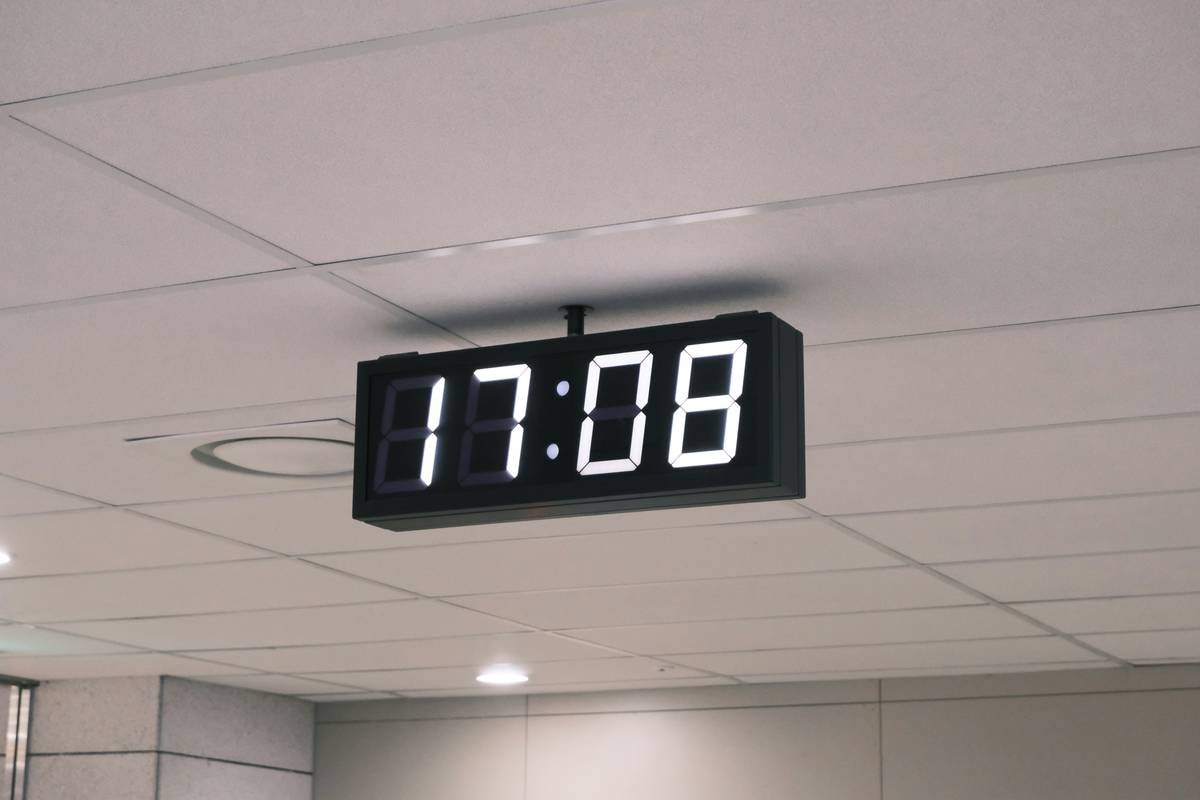
Ever tried setting an alarm on your smart clock at 6 AM but ended up ordering socks from Amazon instead? Yeah, us too. Voice commands are supposed to make life simpler—but only if you know how to use them right.
In this guide, we’ll dive deep into mastering voice commands for smart clocks, so your mornings aren’t ruined by accidental shopping sprees. You’ll learn what makes these gadgets tick, step-by-step instructions to optimize their settings, and expert tips to avoid rookie mistakes.
Table of Contents
- Why Voice Commands Matter in Smart Clocks
- Step-by-Step Guide to Setting Up Your Smart Clock
- Best Practices for Using Voice Commands Like a Pro
- Real-World Examples of Smart Clock Success Stories
- FAQs About Smart Clocks and Voice Commands
Key Takeaways
- Voice commands save time and improve accessibility in smart homes.
- Proper setup is crucial to prevent misinterpretation issues (no more sock orders).
- Custom phrases and routines can take your smart clock experience to the next level.
Why Do Voice Commands Matter in Smart Clocks?
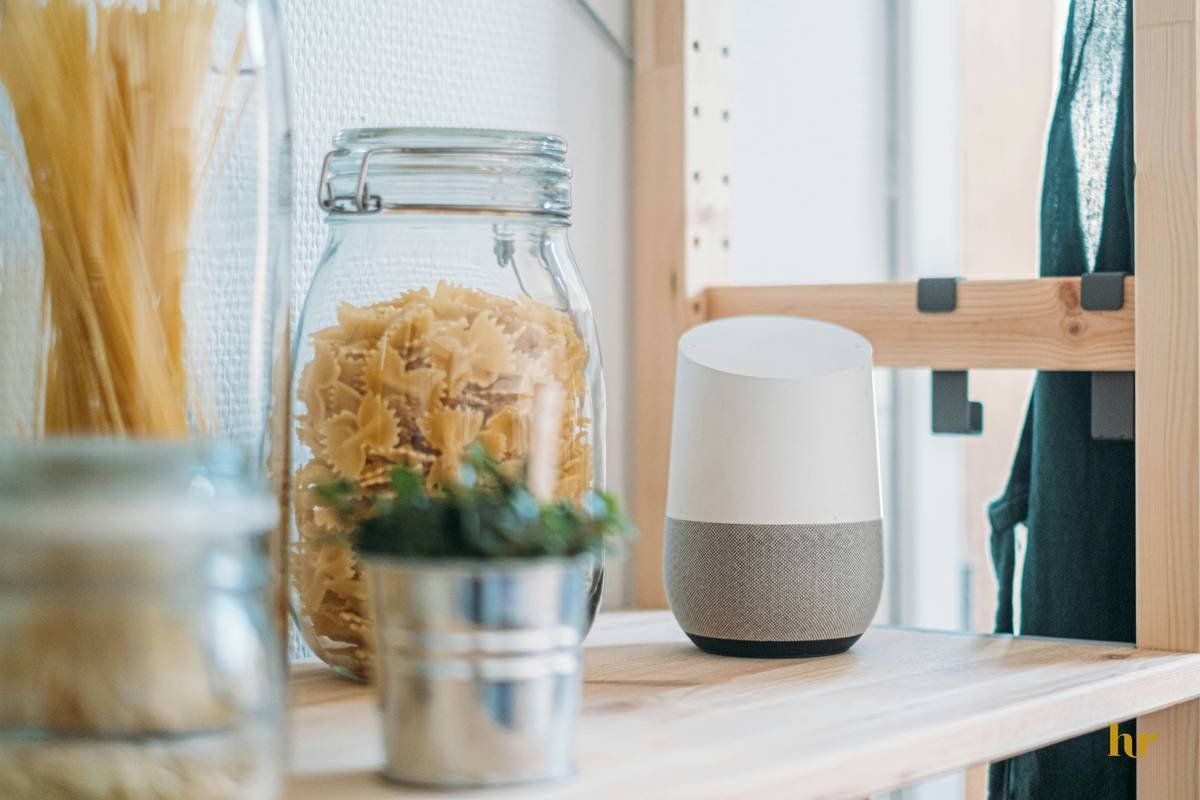
Imagine waking up groggy at 5 AM and shouting “Turn off my alarm!” before falling back asleep. Sounds dreamy, doesn’t it? That’s why voice commands matter—they’re intuitive, fast, and hands-free.
But here’s the thing: Not all smart clocks are created equal. Some are chef’s kiss for seamless integration, while others sound like your laptop fan during a 4K render—whirrrr. And unless you’ve got the right strategy, even the best devices can feel clunky.
The Mistake I Made
I once named my living room smart clock “Alexa.” Oops. My bedroom Alexa kept turning my kitchen lights on every morning because both responded to the same name. Lesson learned: Always customize wake words!
Optimist You: “Voice commands will revolutionize my mornings!”
Grumpy You: “Only if Google doesn’t misunderstand me again.”
Step-by-Step Guide to Setting Up Your Smart Clock
Step 1: Choose the Right Device
Not all smart clocks support advanced voice commands. Look for models compatible with platforms like Alexa or Google Assistant for maximum flexibility.
Step 2: Connect to Wi-Fi
This might seem basic, but trust me—it’s where most people mess up. Ensure your device connects securely to your home network to access cloud-based voice processing.
Step 3: Customize Wake Words
Avoid generic defaults like “Hey Google.” Instead, pick unique wake words that won’t clash across multiple devices.
Step 4: Test Basic Functions
Try simple commands like “Set timer for ten minutes” or “Tell me the weather.” If they work smoothly, you’re golden.
Step 5: Explore Advanced Features
Dive deeper into custom routines, such as saying “Goodnight” to dim lights, lock doors, and set alarms simultaneously.
Best Practices for Using Voice Commands Like a Pro
- Speak Clearly: Mumbling turns your tech into a confused toddler.
- Avoid Background Noise: Quiet rooms yield better results.
- Use Short Phrases: Keep commands concise; no need for Shakespearean monologues.
- Update Firmware Regularly: Outdated software hates understanding humans.
Rant Alert: Why Mic Picks Suck!
Some smart clocks boast “advanced microphones,” yet struggle to hear over cereal crunching. Seriously, engineers? Fix this ASAP!
The Terrible Tip:
“Just shout louder”—nope, never works. Please don’t traumatize your neighbors.
Real-World Examples of Smart Clock Success Stories
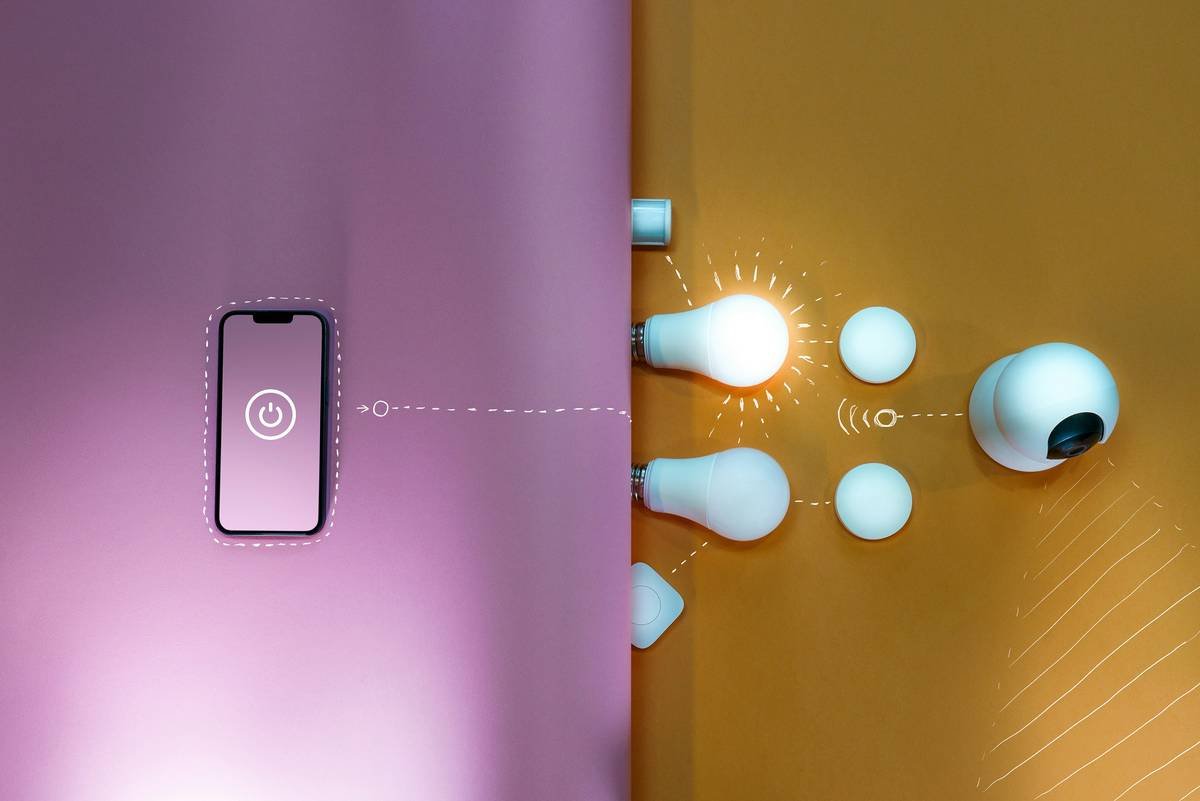
Jane from Ohio swears her smart clock saved her marriage. Okay, maybe not *that* dramatic—but she did reclaim precious hours thanks to optimized voice routines. By automating tasks like morning playlists and coffee starters, Jane cut her prep time in half.
FAQs About Smart Clocks and Voice Commands
What Are the Best Smart Clocks for Voice Commands?
Popular options include Google Nest Hub, Echo Show, and Lenovo Smart Clock.
Can I Train My Smart Clock to Recognize Accents?
Most modern systems adapt to accents over time, but patience is key.
Is It Safe to Use Voice Commands with Sensitive Data?
Always review privacy policies and disable features you’re uncomfortable with.
Conclusion
Voice commands transform smart clocks from mere gadgets into personal assistants. With proper setup and some practice, you’ll wonder how you ever lived without them. Remember, clarity beats volume, customization beats confusion, and firmware updates beat frustration.
So go ahead, talk to your clock—but do it wisely.
Haiku Time:
Smart clock listens close,
Morning chaos fades away,
Tech saves sleepy souls.

