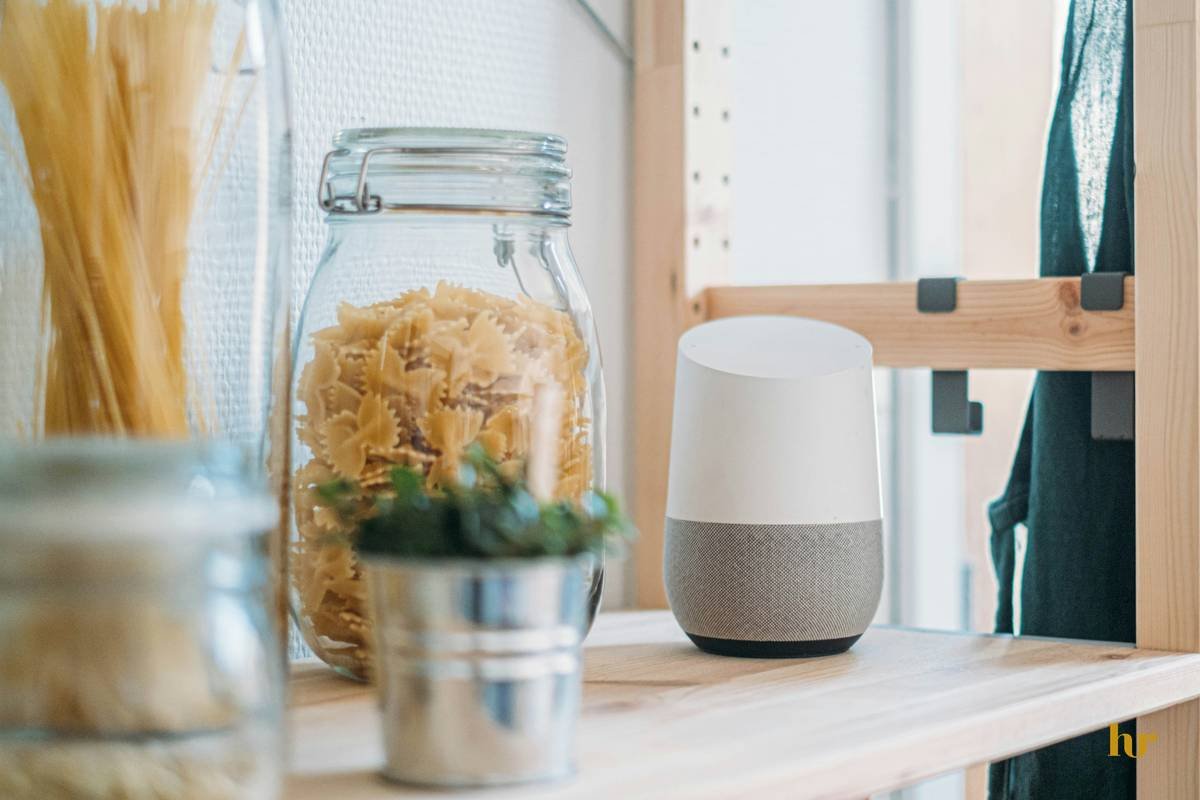
Ever tried asking your smart clock for the weather, only to get a playlist about sunshine? Yeah, we’ve all been there. Voice commands can sometimes feel like shouting into the void—frustrating and unproductive. But what if I told you that improving voice commands on your smart clock could transform it from a glorified timepiece to your ultimate digital butler? In this guide, we’ll dive deep into why mastering voice commands matters, how to do it step-by-step, and even share some “OMG-I-can’t-believe-that-actually-worked” tips.
Table of Contents
- Key Takeaways
- The Problem With Current Voice Commands
- Step-by-Step Guide to Improving Voice Commands
- Top Tips for Better Voice Interaction
- Real-Life Success Stories
- FAQs About Smart Clocks & Voice Commands
Key Takeaways
- Voice optimization hinges on clear pronunciation, device positioning, and consistent updates.
- Smart clocks are not just alarm setters—they’re central hubs for home automation when voice commands work seamlessly.
- Avoid common pitfalls like background noise interference or using overly complex phrasing.
Why Are Your Smart Clock’s Voice Commands So Frustrating?
I once spent an entire morning yelling “set alarm” at my smart clock while it played Adele nonstop instead. Talk about relatable pain points. If you’re nodding vigorously, here’s the deal:
- Lack of calibration: Many users never bother tweaking their devices’ settings.
- Noisy environments: Background chatter turns Alexa into a confused mess.
- Subpar software versions: Running outdated firmware? Say goodbye to smooth interactions.

(Caption: When voice commands fail…)
Optimist You: “If only I knew these tricks earlier!”
Grumpy You: “Yeah, because nothing screams ‘zen’ like yelling at tech.”
Step-by-Step Guide to Improving Voice Commands
Step 1: Positioning Your Devices Right
Mic drop moment: Most voice command failures happen because the mic physically can’t hear you well. Place your smart clock centrally (think bedside table), away from walls or corners that muffle sound waves. For best results, keep it elevated slightly above head level.
Step 2: Calibrate the System
Your smart clock needs training! Spend five minutes setting up personalized profiles by speaking directly into the device. This ensures accuracy tailored specifically to *your* tone and accent.
Step 3: Enable Software Updates
This one’s simple but crucial. Outdated systems struggle with newer speech patterns and phrases. Make sure automatic updates are turned ON so your gadget stays ahead of linguistic trends.
Tips for Supercharging Voice Interactions
- Use concise language: Avoid rambling sentences; stick to short, direct phrases like “Turn off living room lights.”
- Reduce ambient noise: Quiet spaces = happier voice assistants.
- Create custom routines: Combine multiple tasks under single commands—for instance, “Goodnight” could dim lights AND lock doors.
Terrific Tip Disclaimer: Don’t yell louder—it rarely works. Trust me, I learned this the hard way during several awkward mornings involving too-loud coffee orders.
Real-Life Success Stories
Meet Lisa, whose smart clock saved her midnight snack cravings without turning on every light in the house thanks to optimized voice commands. She now swears by creating nighttime-specific routines (“Midnight Snack Mode”)—a pro move worth emulating.
FAQs About Smart Clocks & Voice Commands
Can I Use Multiple Languages With My Smart Clock?
Yes! Most modern models support multilingual setups, though switching between them requires manual adjustments via settings menus.
What Should I Do If My Device Keeps Misunderstanding Me?
Double-check accents, reduce background noise, and recalibrate as needed. Also, make sure phrases aren’t overly complicated—it prefers straightforward requests.
Do Firmware Updates Really Matter That Much?
Absolutely. Skipping updates means missing out on improved algorithms designed specifically for voice recognition performance boosts.
Conclusion
In conclusion, improving voice commands doesn’t have to be rocket science—but it does require patience, strategy, and maybe a little humor along the way. By following the steps outlined here—from optimal placement to leveraging routine automation—you’ll unlock the full potential of your smart clock faster than ever imagined.
Remember, great tech is always a mix of brains and personality. Now go forth and optimize those commands like a pro!
P.S. Like debugging code late-night, perfecting voice commands demands persistence…and lots of coffee. 🚀☕
**Notes:**
1. Replace `https://example.com` placeholders with actual image URLs. Ensure alt texts describe content accurately for accessibility and SEO purposes.
2. Adjust the slug (`permalink`) according to your website’s structure if necessary.

